
Workflow Automation Services in Dubai
Connect the systems your business already uses so information moves, tasks begin and approvals reach the right people without repeated manual work.
Connect Your Business Systems and Reduce Manual Work
Workflow automation connects the systems your team uses every day.
A new enquiry can move from a website form into the CRM. An approved order can create a project task. A supplier invoice can reach the correct person for review.
Each workflow begins with an agreed event. It then follows a set of actions, rules and approval points.
ENH Marketing develops workflow automation solutions for businesses in Dubai and across the UAE. We connect CRMs, email inboxes, spreadsheets, accounting platforms, databases, forms and project management tools around the way your team already works.
Our business workflow automation services also cover monitoring and ongoing adjustments. If a connected system changes, we review the affected workflow and help restore the connection.
CRM and Lead Management
Sales teams often receive enquiries from websites, email, social media and advertising platforms. Sales workflow automation can create or update a CRM record, assign the enquiry, notify the correct salesperson and schedule the next action. The salesperson can then review the details and continue the conversation.
Finance and Accounts
Finance teams may receive invoices and payment information through several channels. Accounting workflow automation can organise incoming information, update agreed records and send requests for approval. Accounts payable workflow automation can also route supplier invoices according to value, department, project or approval level. Final payment approval stays with an authorised person.
Projects and Operations
A confirmed sale may need to create tasks across several departments. The workflow can open a project, assign responsibilities, prepare folders, update the delivery team and send internal notifications. Managers can review the project before work begins.
Internal Approvals
Leave requests, purchase requests, expense claims and content approvals often move through long email chains. A workflow can collect the request, send it to the correct person, record the decision and inform the employee who submitted it.
Customer Service
Customer questions can arrive through forms, shared inboxes and support platforms. The workflow can create a support ticket, add the available customer details and assign it to the relevant team. Complaints, cancellations and sensitive matters can go directly to a person.
Reporting and Data Updates
Teams may spend time copying information from several systems into a report. A workflow can collect agreed data, update the report and flag missing information. The team can then review the figures and add the business context.
| Business situation | What the workflow can do | Where a person takes over |
|---|---|---|
| A prospect completes a website form | Create a CRM record, check for an existing contact, assign the enquiry and notify sales | A salesperson reviews the enquiry and contacts the prospect |
| A customer approves a proposal | Update the opportunity, create project tasks and notify the delivery team | A manager confirms the scope and project owner |
| A supplier sends an invoice | Record the invoice details and send it through the agreed approval route | Finance checks exceptions and authorises payment |
| An employee submits an expense | Send the request to the correct manager and record the decision | The manager reviews and approves or rejects it |
| A project misses an agreed status update | Send a reminder and alert the project manager | The manager decides what action the team should take |
| A customer sends a support request | Create a ticket, add customer details and assign the correct team | A support employee handles the conversation |
| A report is due | Collect data from connected systems and flag missing entries | The team checks the report before it is shared |
A prospect completes a website form
What the workflow can do
Create a CRM record, check for an existing contact, assign the enquiry and notify sales
Where a person takes over
A salesperson reviews the enquiry and contacts the prospect
A customer approves a proposal
What the workflow can do
Update the opportunity, create project tasks and notify the delivery team
Where a person takes over
A manager confirms the scope and project owner
A supplier sends an invoice
What the workflow can do
Record the invoice details and send it through the agreed approval route
Where a person takes over
Finance checks exceptions and authorises payment
An employee submits an expense
What the workflow can do
Send the request to the correct manager and record the decision
Where a person takes over
The manager reviews and approves or rejects it
A project misses an agreed status update
What the workflow can do
Send a reminder and alert the project manager
Where a person takes over
The manager decides what action the team should take
A customer sends a support request
What the workflow can do
Create a ticket, add customer details and assign the correct team
Where a person takes over
A support employee handles the conversation
A report is due
What the workflow can do
Collect data from connected systems and flag missing entries
Where a person takes over
The team checks the report before it is shared
The exact actions depend on your software, permissions and internal process. We agree on those details before anything is built.
A potential customer completes a service enquiry form on your website.
- Step
The workflow checks whether the person or company already exists in the CRM. It then creates or updates the record, saves the enquiry source and assigns it according to the agreed sales rules.
- Step
The salesperson receives a notification with the enquiry details and a task for follow-up. An approved acknowledgement can be sent to the customer while the salesperson prepares a personal response.
- Step
If the information is incomplete, the workflow can send the enquiry to a review list. The sales team decides how to proceed.
This removes repeated data entry while keeping the customer conversation with the sales team.
Many businesses already have automation features in their CRM, accounting, email or project management software. ENH reviews your existing tools, licences, permissions and integrations before recommending a solution.
How We Choose the Right Automation Approach
We assess your existing software, connections and requirements before recommending the best solution: configuration, integration or custom development.
Review Your Existing Software
- CRM
- Accounting
- Project tools
Check available features, licences, permissions and integrations.
Can Your Current Software Handle the Task?
Yes
Configure existing automation features to fit your requirements.
Not yet
Assess whether a suitable integration can connect the systems.
Consider Custom Development
Only where existing features and suitable connections cannot meet the requirement.
The principle: use what you already own before building something new.
This approach helps businesses choose suitable workflow automation solutions without rebuilding functions their existing software can already handle.
Some workflows deal with predictable information such as form fields, order statuses and approval choices. Others receive emails, documents or written requests that can vary in structure.
AI workflow automation can help organise this less structured information before the next action begins.
| Workflow area | Rule-based workflow | AI-supported workflow |
|---|---|---|
| Incoming information | Uses agreed fields, statuses and selections | Reads text or documents and identifies relevant information |
| Routing | Follows predefined conditions | Suggests a route using approved categories |
| Common use | Form submissions, status updates and approvals | Emails, written requests and document sorting |
| Unclear information | Sends the item to an exception list | Flags low-confidence results for review |
| Human involvement | Required at agreed approval points | Required for uncertain, sensitive or high-impact actions |
Incoming information
Rule-based workflow
Uses agreed fields, statuses and selections
AI-supported workflow
Reads text or documents and identifies relevant information
Routing
Rule-based workflow
Follows predefined conditions
AI-supported workflow
Suggests a route using approved categories
Common use
Rule-based workflow
Form submissions, status updates and approvals
AI-supported workflow
Emails, written requests and document sorting
Unclear information
Rule-based workflow
Sends the item to an exception list
AI-supported workflow
Flags low-confidence results for review
Human involvement
Rule-based workflow
Required at agreed approval points
AI-supported workflow
Required for uncertain, sensitive or high-impact actions
Intelligent workflow automation can classify incoming messages, extract agreed details, summarise a request or suggest which team should receive it.
The workflow still follows the permissions and approval points agreed with your business. Unclear or sensitive items are sent to a person.
Every workflow needs clear boundaries. Before development begins, we agree on:
- What starts the workflow
- Which systems it can access
- What information it can read
- What information it can create or update
- Which actions happen automatically
- Which actions require approval
- Who receives exceptions
- What happens when information is missing
- What records need to be kept
- Who can change the workflow after launch
These rules protect the process and give your team a clear understanding of how the automation works.
- 01
Automation Diagnostic
We review the process with the people who currently manage it. This helps us understand where work begins, how information moves and where delays or repeated data entry occur.
- 02
Current Software Review
We examine the systems, licences and automation features your business already has. We identify which parts can be configured within the current software and where an additional connection or custom build may be required.
- 03
Workflow Design
The workflow is mapped from the starting event to the final action. We document the systems involved, the information being moved, the rules being followed and every point that requires human review.
- 04
Connections and Permissions
We connect the approved platforms and limit access to the information required for the workflow. Permissions are reviewed so the workflow can complete its task without receiving unnecessary access.
- 05
Testing With Realistic Situations
The workflow is tested with normal requests, incomplete information, duplicate records and connection errors. The team also checks what happens when a request falls outside the agreed process.
- 06
Controlled Launch
The workflow begins within the approved scope. Your team receives clear guidance on approvals, exception handling and where to report a problem.
- 07
Monitoring and Support
We monitor the workflow after launch and review failed actions, software changes and new business requirements. Updates can be made when your process or connected platforms change.
Workflow automation depends on connected software, account permissions and accurate information. If a password changes, access is lost, a field is renamed or a software provider changes its integration, an automated workflow may stop working as expected.
How does ENH handle workflow failures?
- 01
Detect and record the issue
The workflow records the failed action and alerts the responsible team.
- 02
Prevent incorrect actions
The workflow should pause when incomplete information could create incorrect records or trigger an unintended action.
- 03
Investigate the cause
Under the agreed managed support scope, ENH reviews the issue and identifies the affected system or connection.
- 04
Restore and review
We adjust the workflow where required and review incomplete actions before they are run again.
Ongoing monitoring and corrective support help keep automated processes working as intended as your software and business requirements change. The specific support activities depend on the agreed scope.
Workflow automation may be useful when:
- 01Employees repeatedly copy the same information between systems
- 02Enquiries are assigned manually
- 03Requests wait in shared inboxes
- 04Approval chains are difficult to follow
- 05Finance teams spend time routing invoices
- 06Project tasks are created from the same information
- 07Reports depend on manual updates
- 08Teams miss follow-ups when work becomes busy
- 09Several departments need the same customer or project information
- 10Managers need a clear record of actions and approvals
Workflow automation for small business operations can begin with a focused process such as lead assignment, invoice approval or project setup. The scope can grow when the team is comfortable with the workflow and another process has a clear need.
- 01
Start With the Process
We review how the work currently happens before choosing the platform or connection. This helps us find the repeated steps, missing information and approval points that need attention.
- 02
Keep Useful Software in Place
Your existing software is reviewed before custom development is recommended. When a current feature can handle the requirement, we configure it around the process. Additional development is used for genuine gaps.
- 03
Keep People in Control
Managers and employees remain responsible for decisions that need judgement, approval or customer care. The workflow handles the agreed movement of information and routine actions around those decisions.
- 04
Plan for Errors and Changes
We document what should happen when information is missing, a record already exists or a connected platform becomes unavailable. This gives the team a clear path when the normal process cannot continue.
- 05
Support the Workflow After Launch
Connected platforms and internal processes change over time. We can monitor the workflow, investigate failures and update the connections according to the agreed support scope.
When comparing workflow automation companies, ask who will review your existing software, document the approval rules and support the integrations after launch.
The proof — 28 client stories
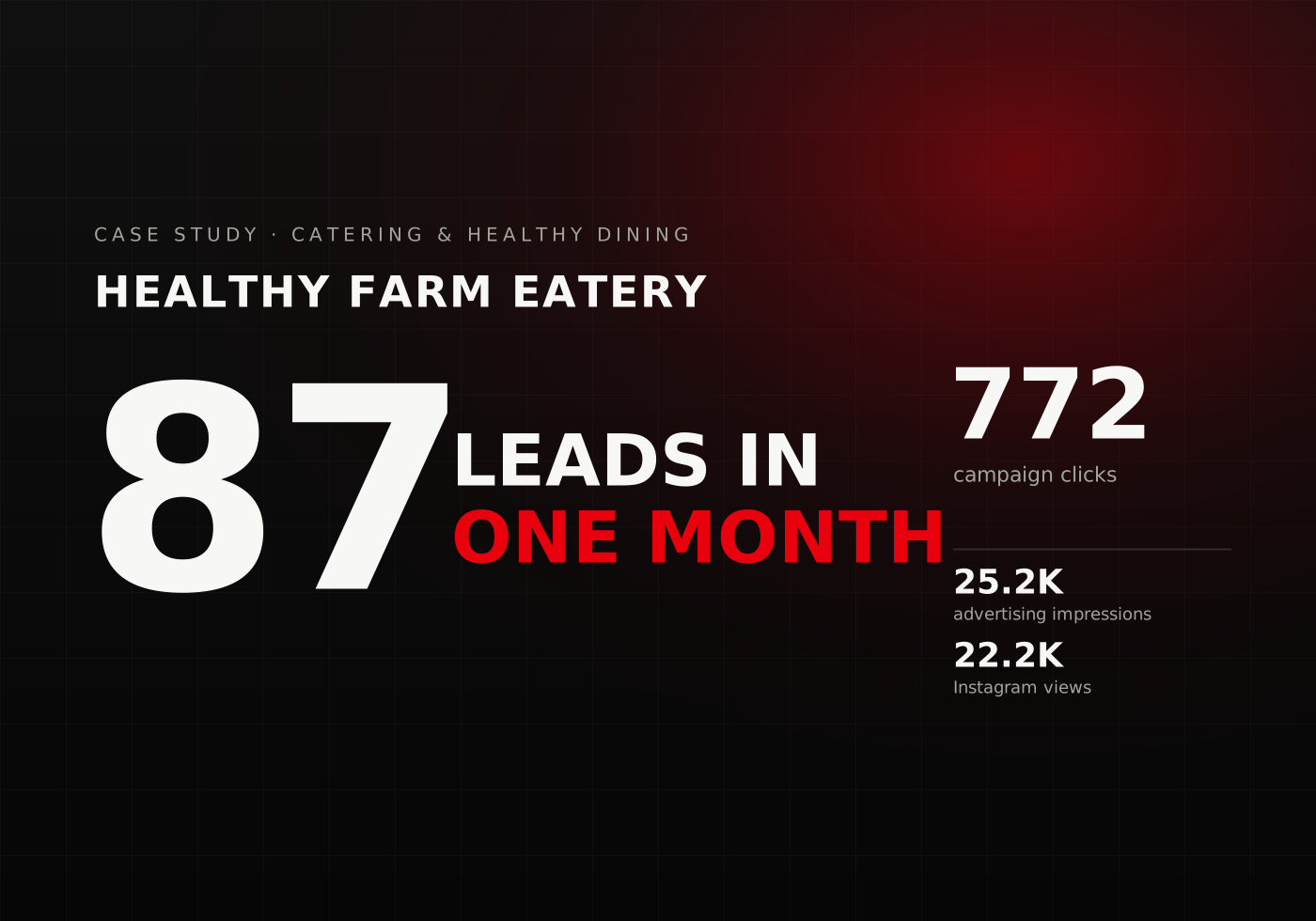
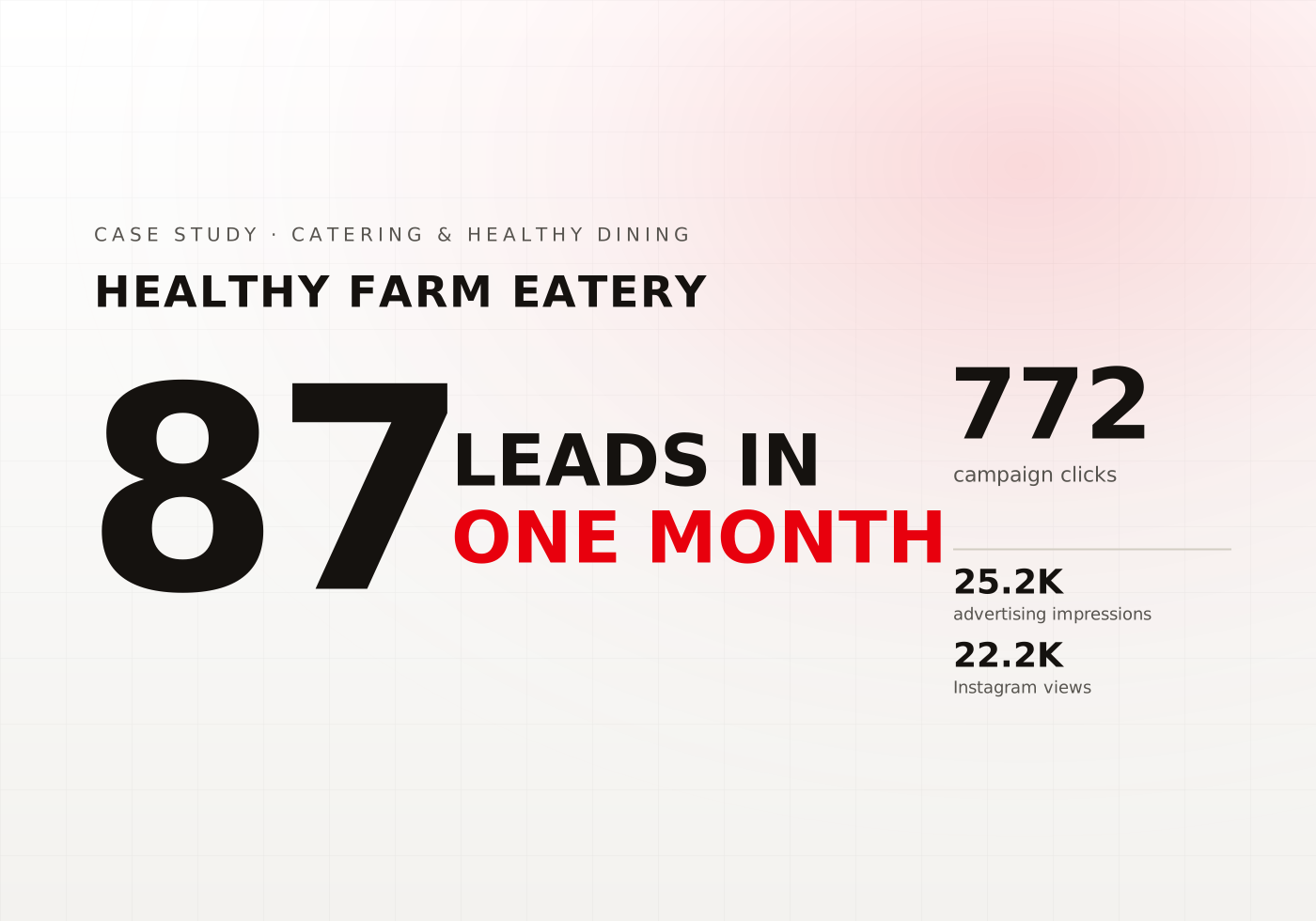
Healthy Farm Eatery
Consistent Sales Growth Driven by High-Quality Lead Generation
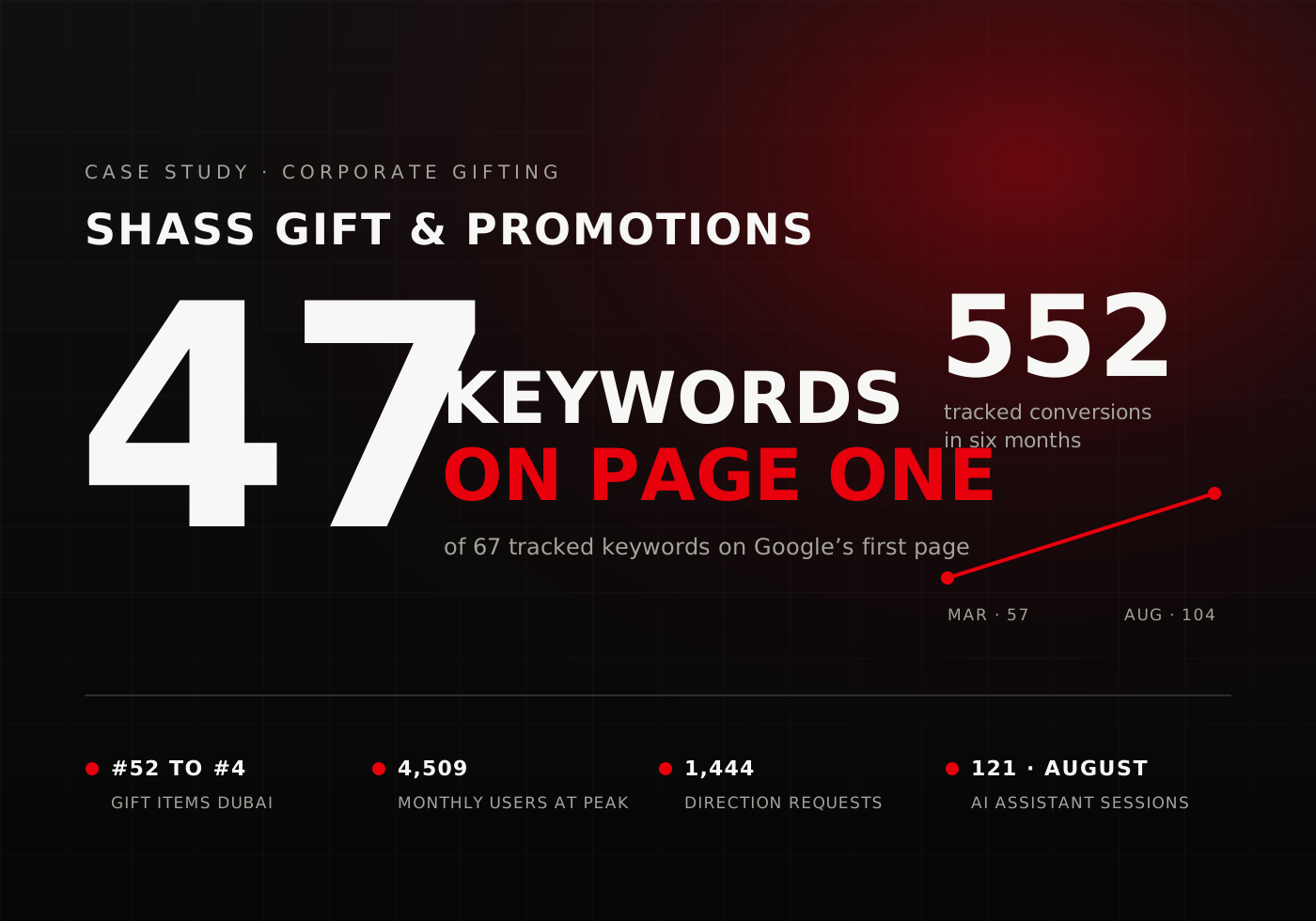

Shass Gift & Promotions
Driving Search & Local Market Dominance for a Corporate Gifting Brand


ACC Gulf
Strengthening Search Authority & Local Lead Growth in Industrial Supply
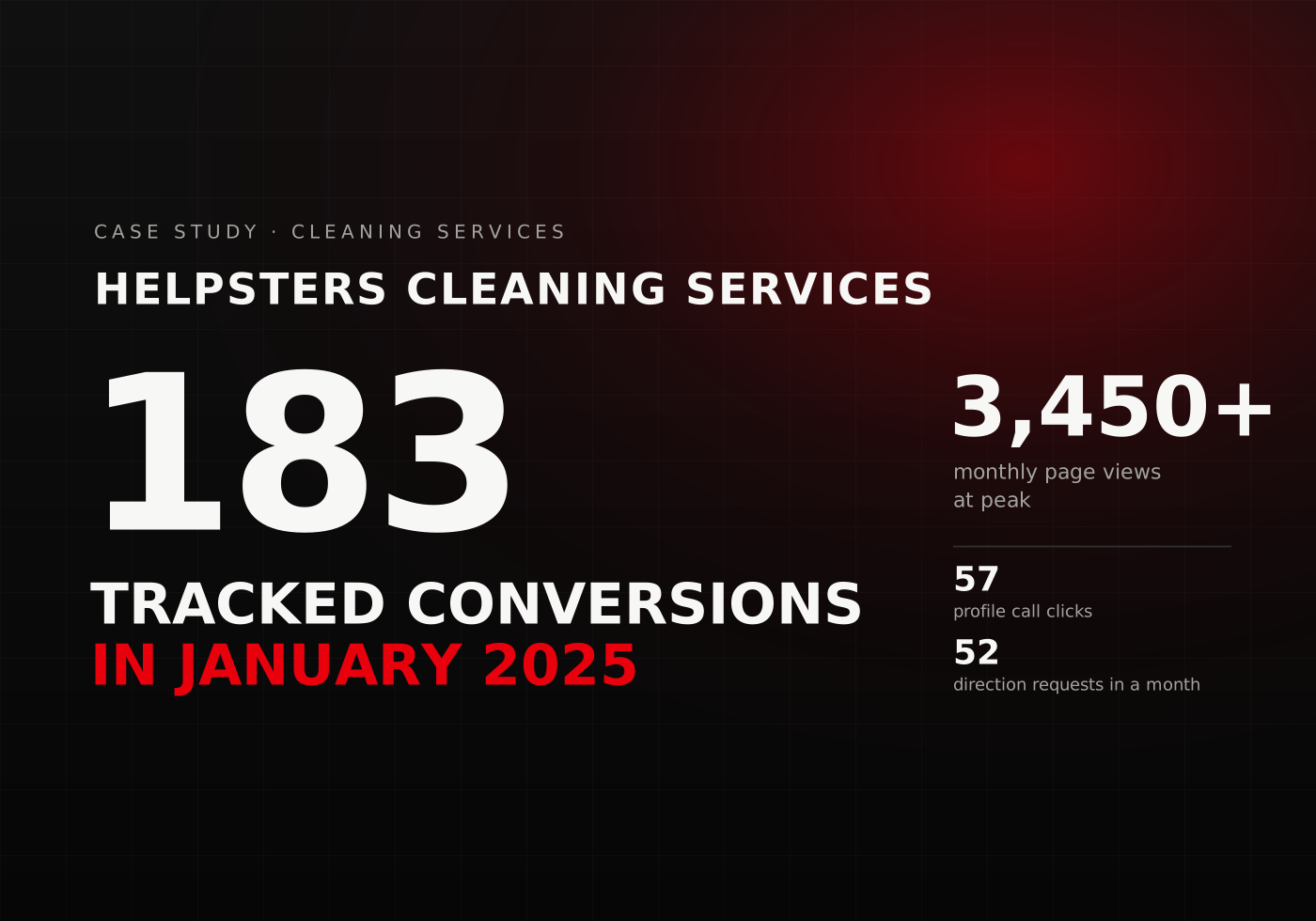
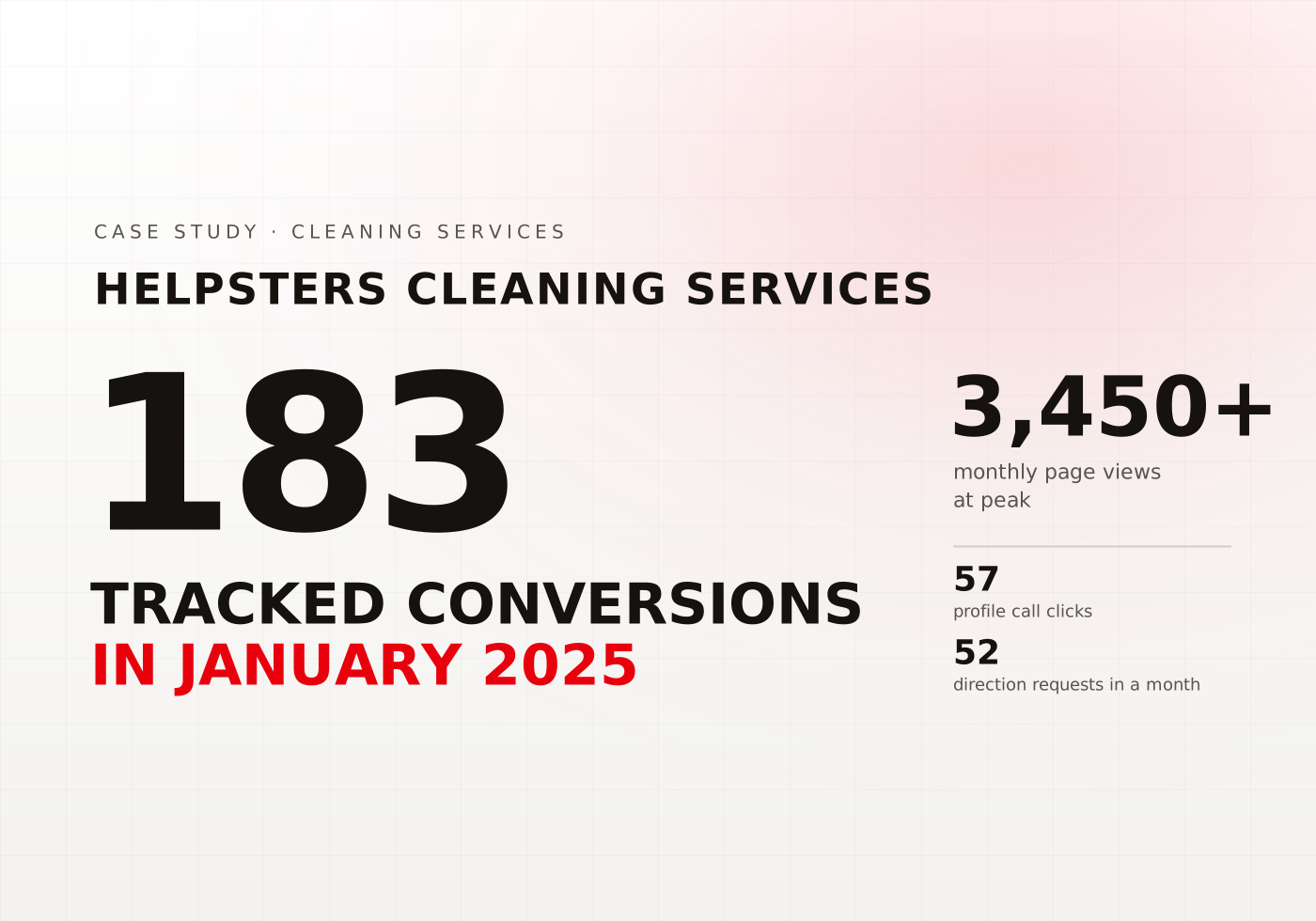
Helpsters Cleaning Services
Capturing High-Value Cleaning Contracts Through Targeted SEO
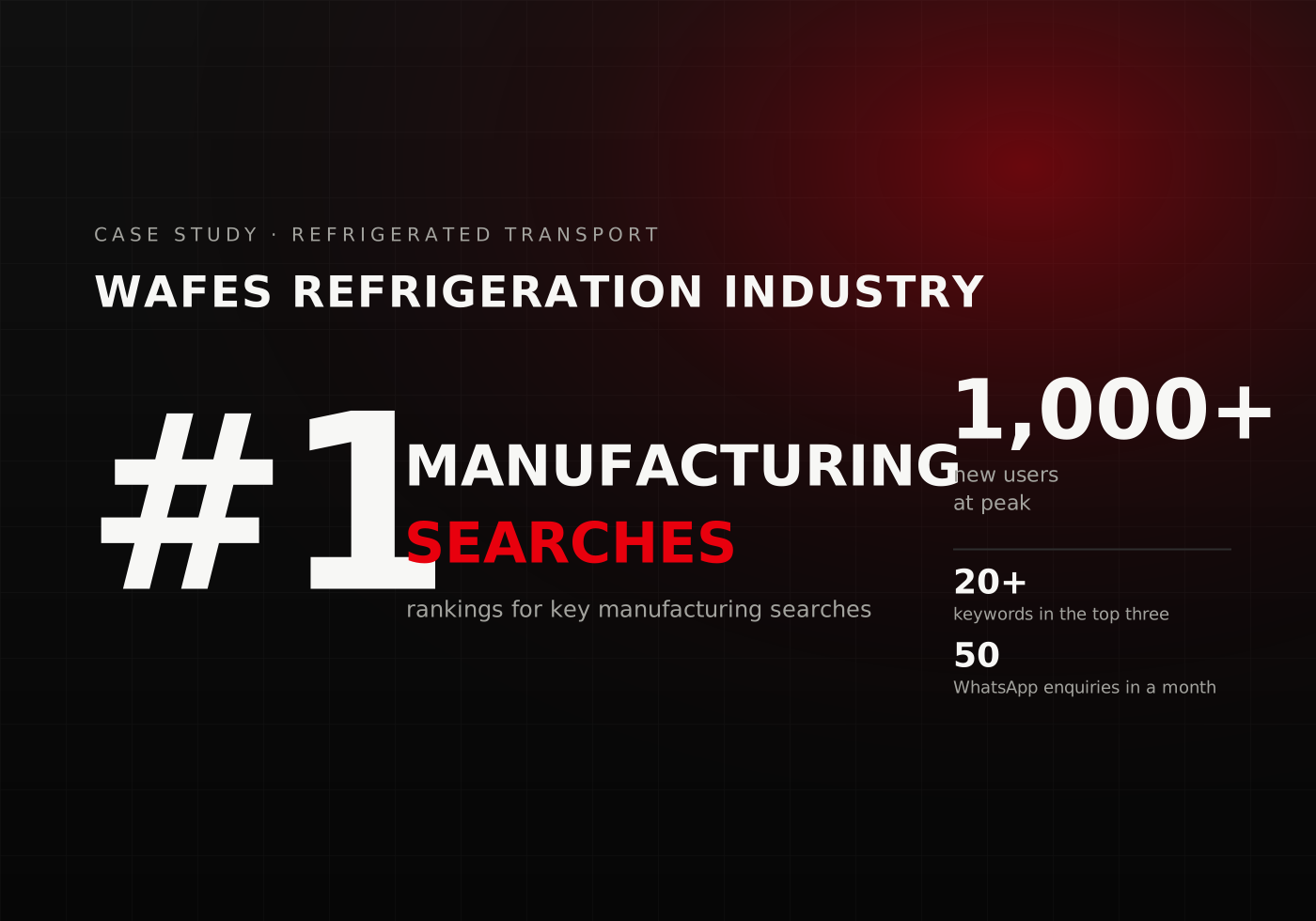
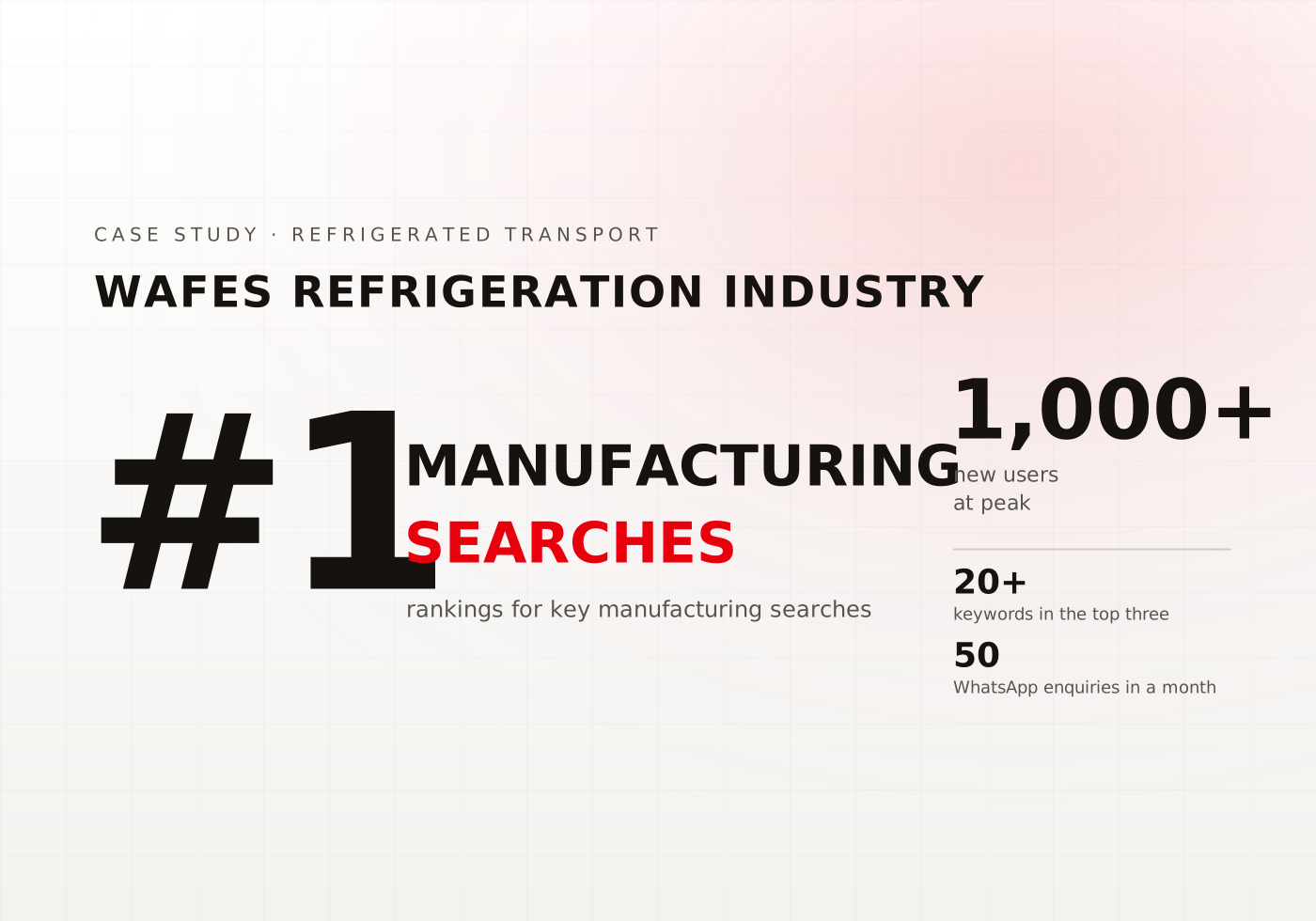
Wafes Refrigeration Industry
Transforming Digital Visibility for a Refrigeration Manufacturer
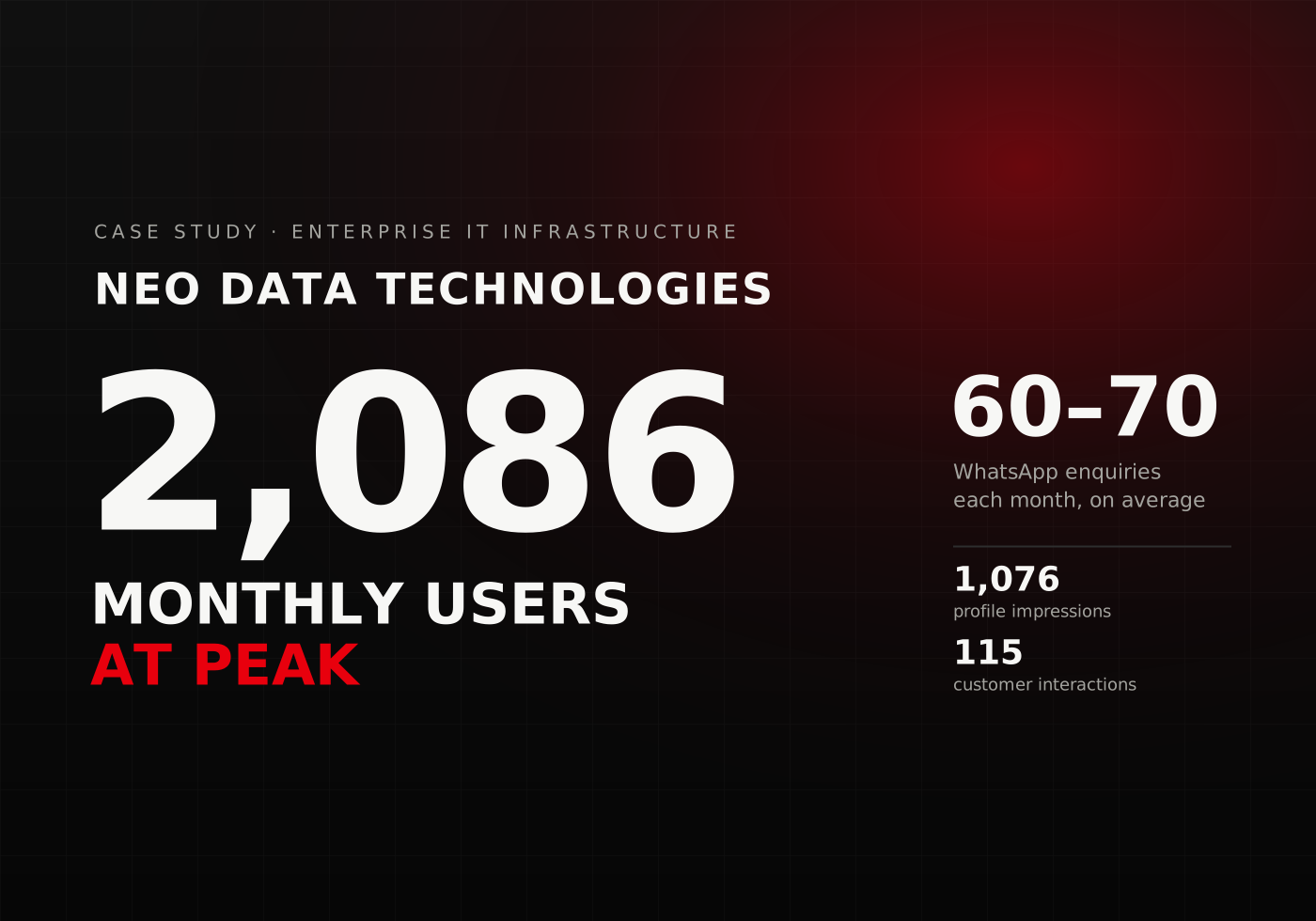
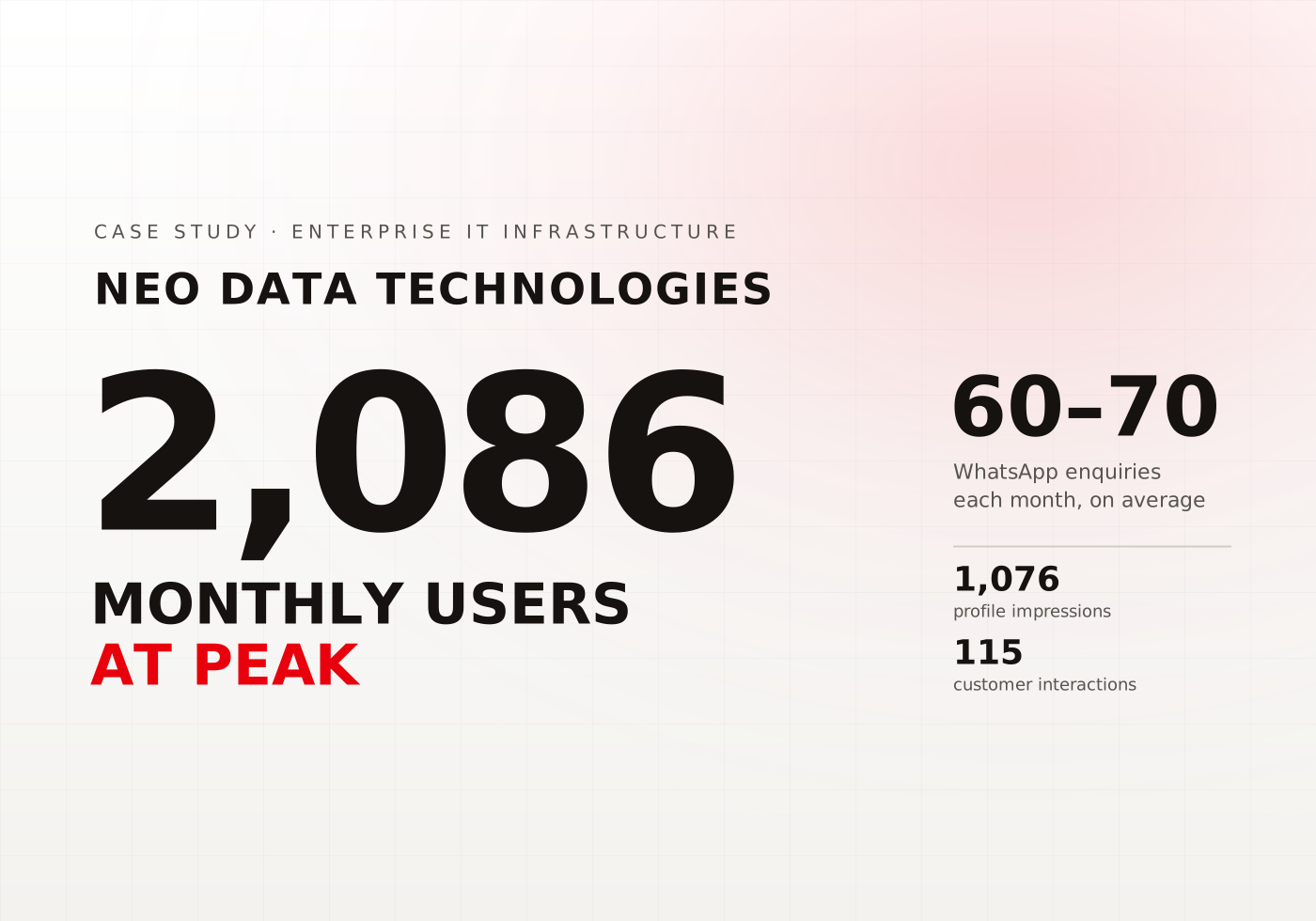
Neo Data Technologies
Expanding Search Visibility & Lead Growth for an Enterprise IT Distributor
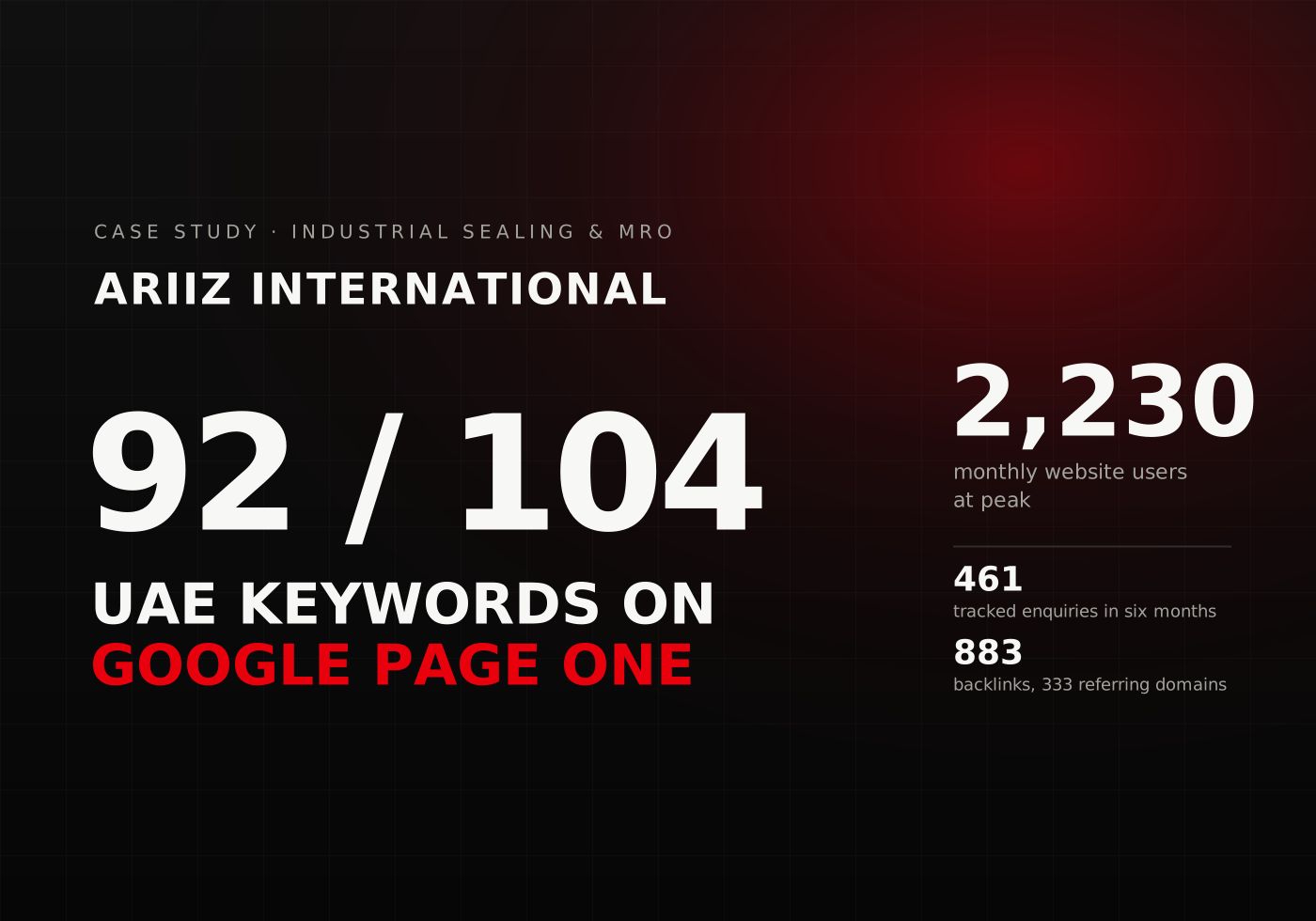
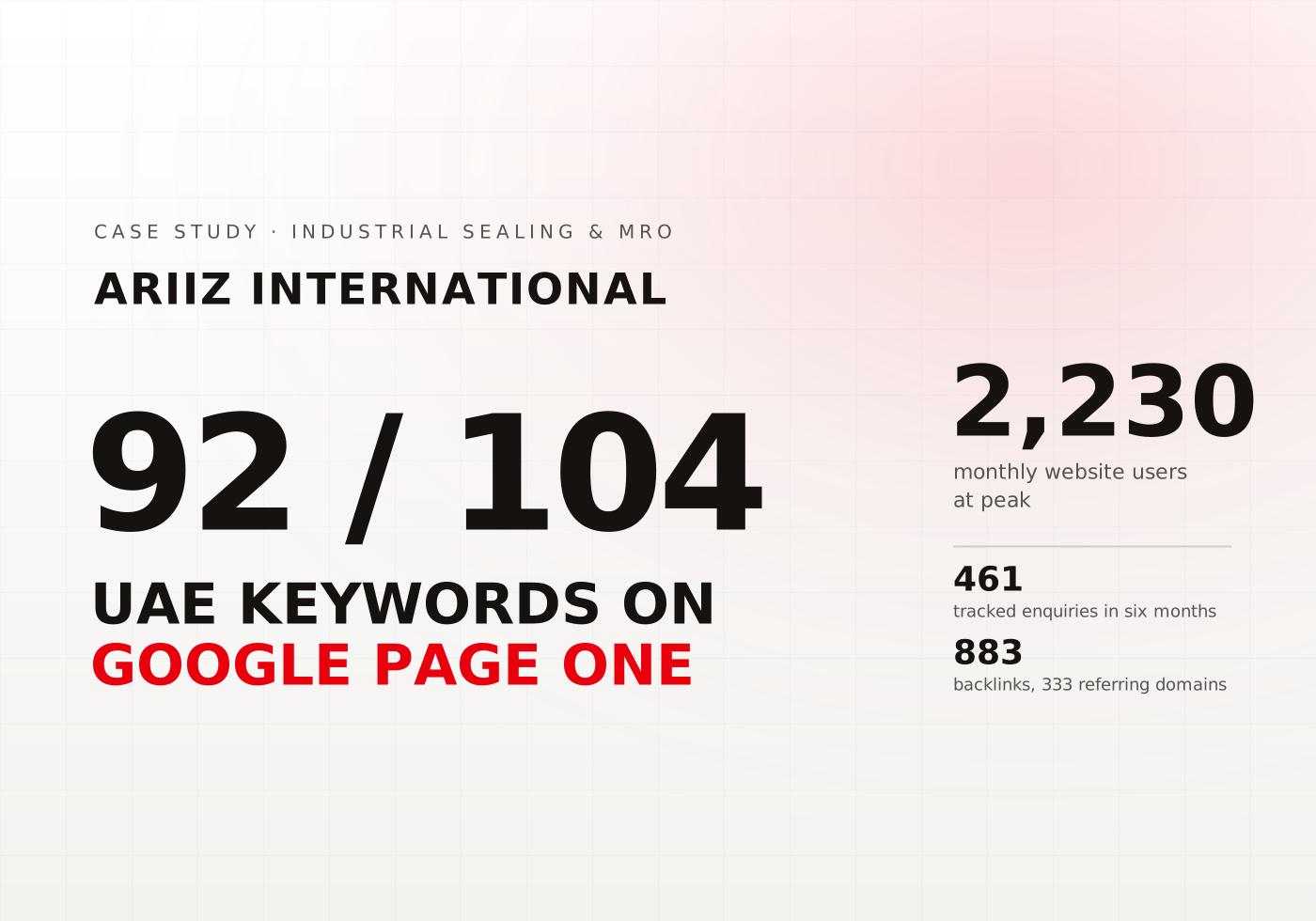
Ariiz International
Driving High-Intent Search Growth for an Industrial Sealing Supplier
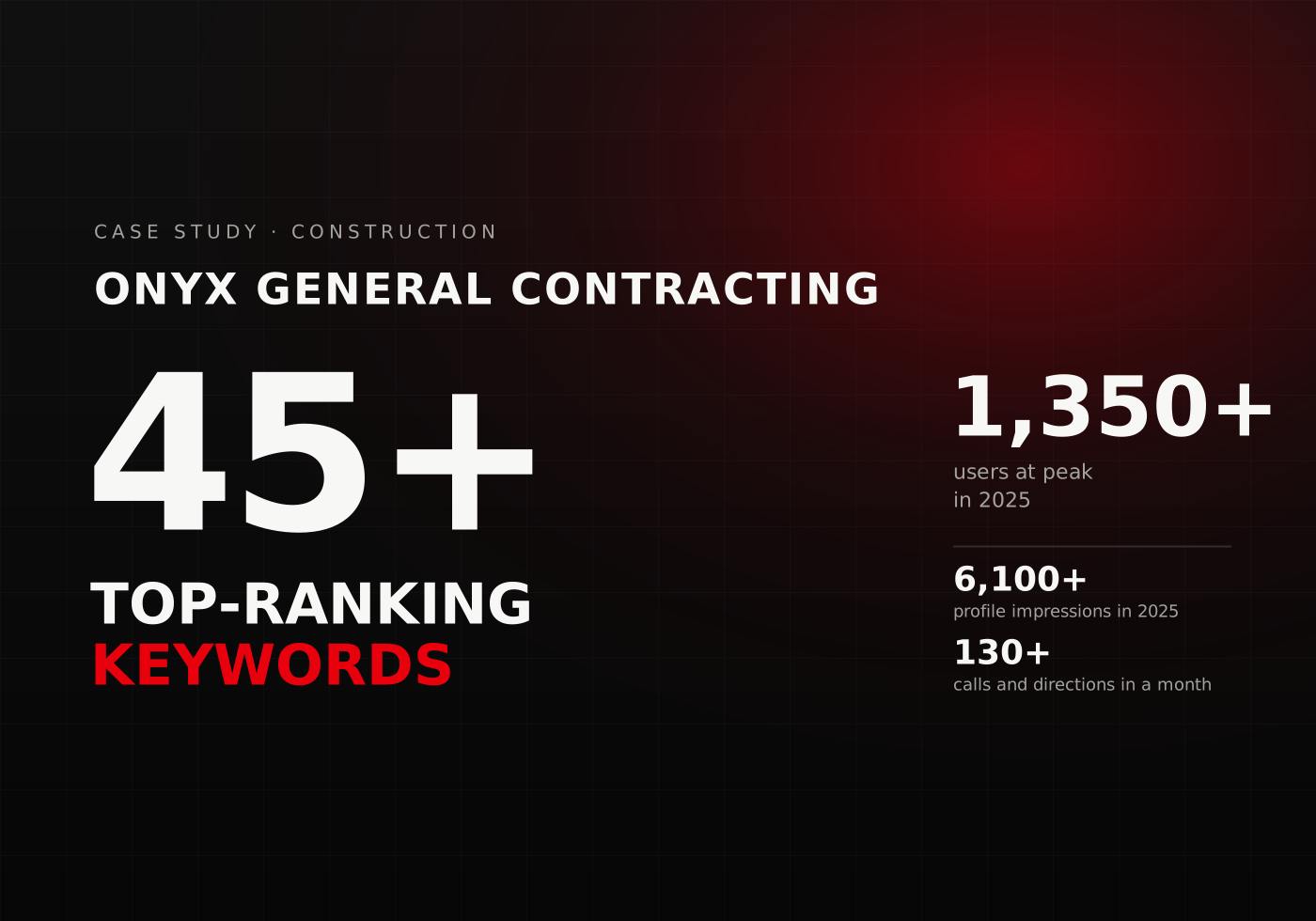
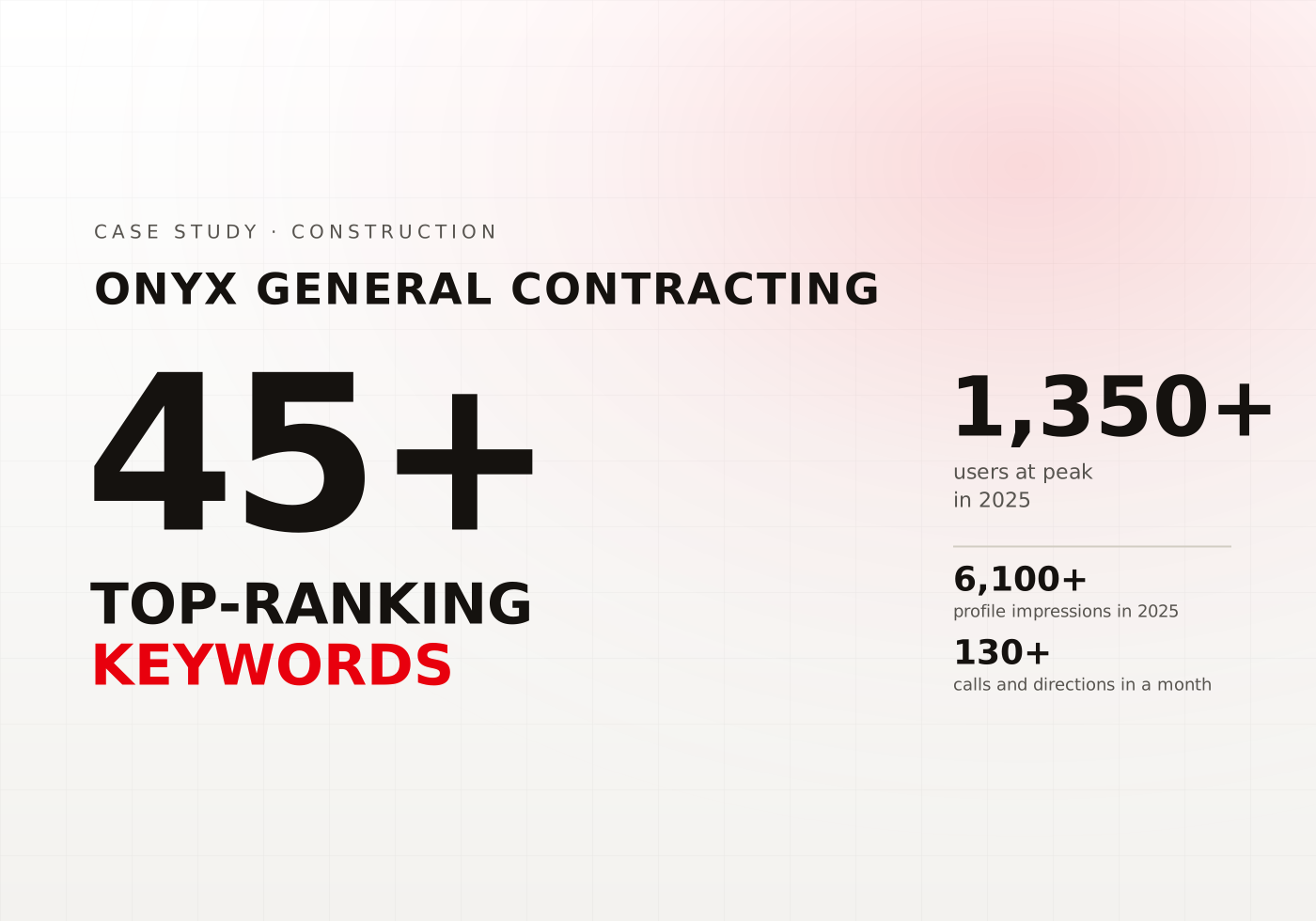
Onyx General Contracting
Achieving Digital Dominance with 1,350+ Monthly Users and 6,100+ GMB Impressions
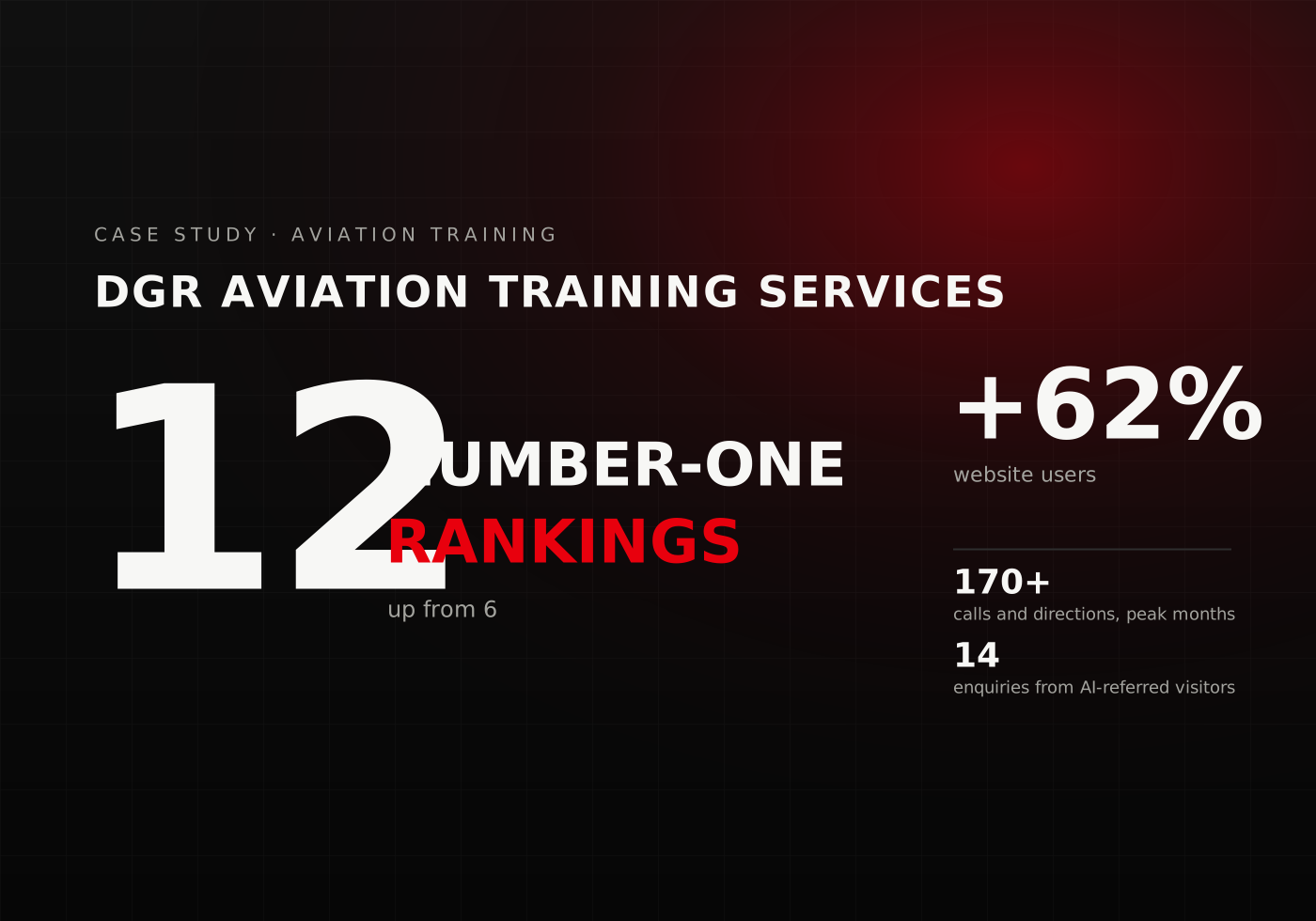
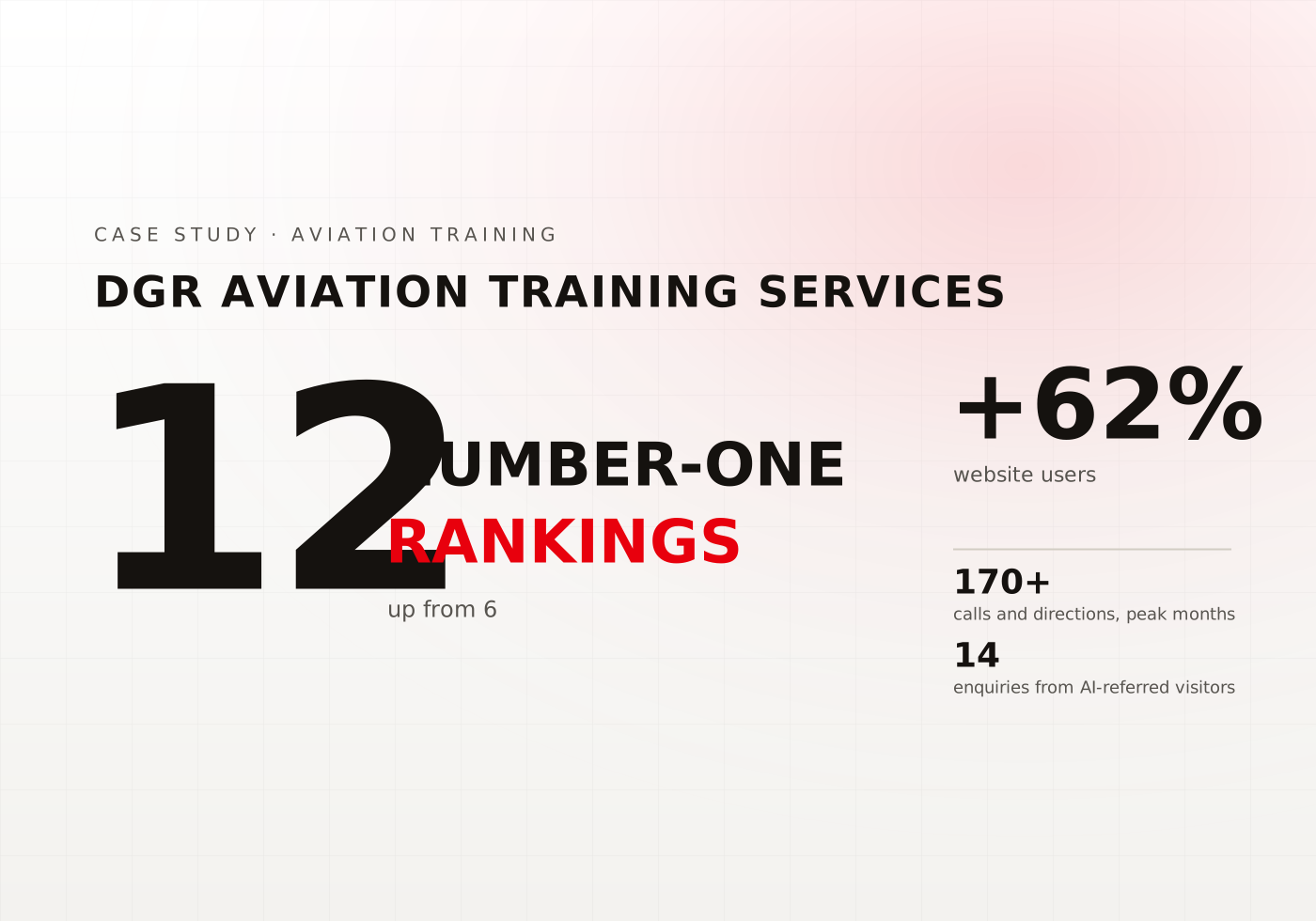
DGR Aviation Training Services
Driving High-Intent Visibility for Aviation Compliance Training
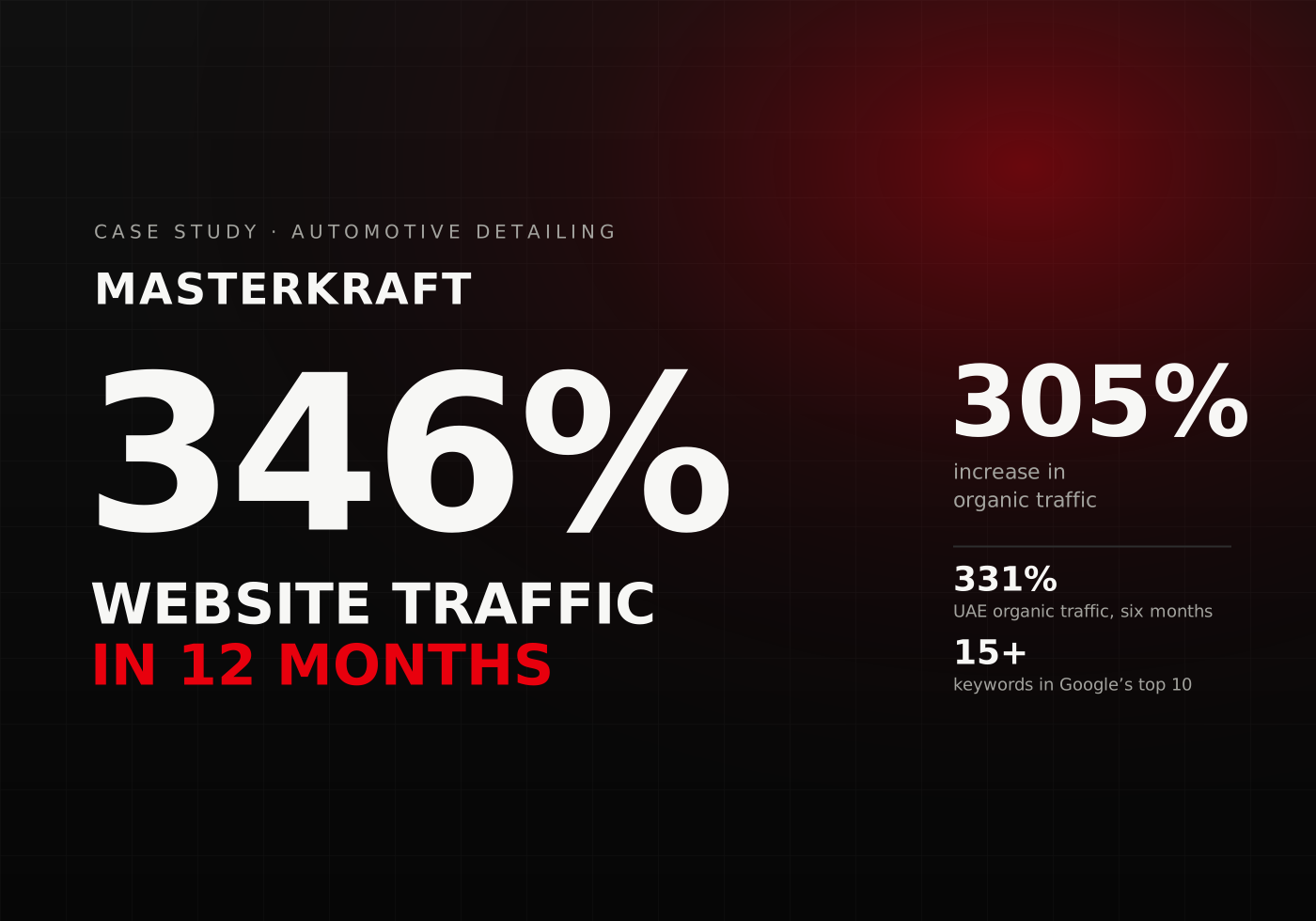
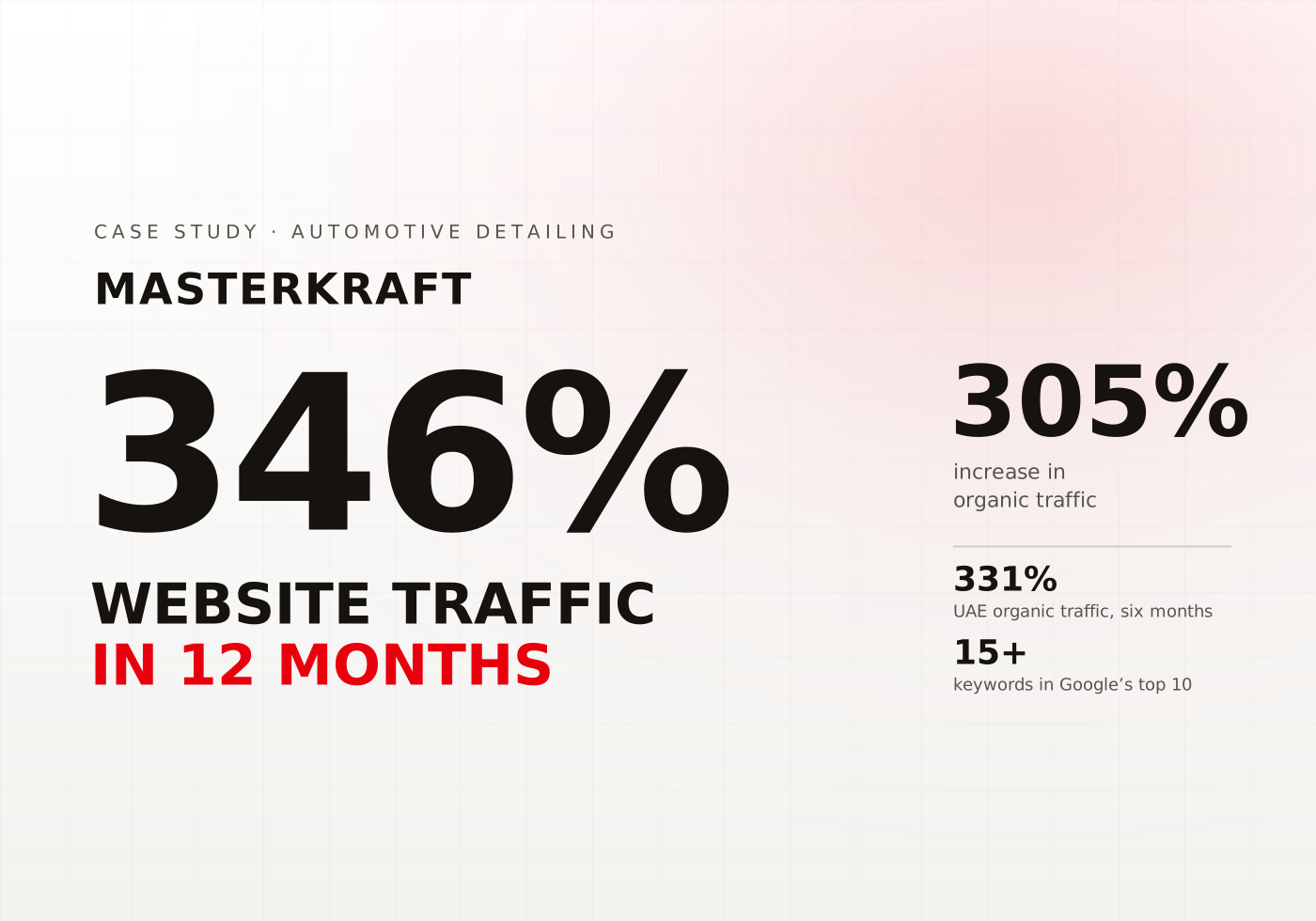
Masterkraft
Driving Digital Growth with a 346% Increase in Website Traffic
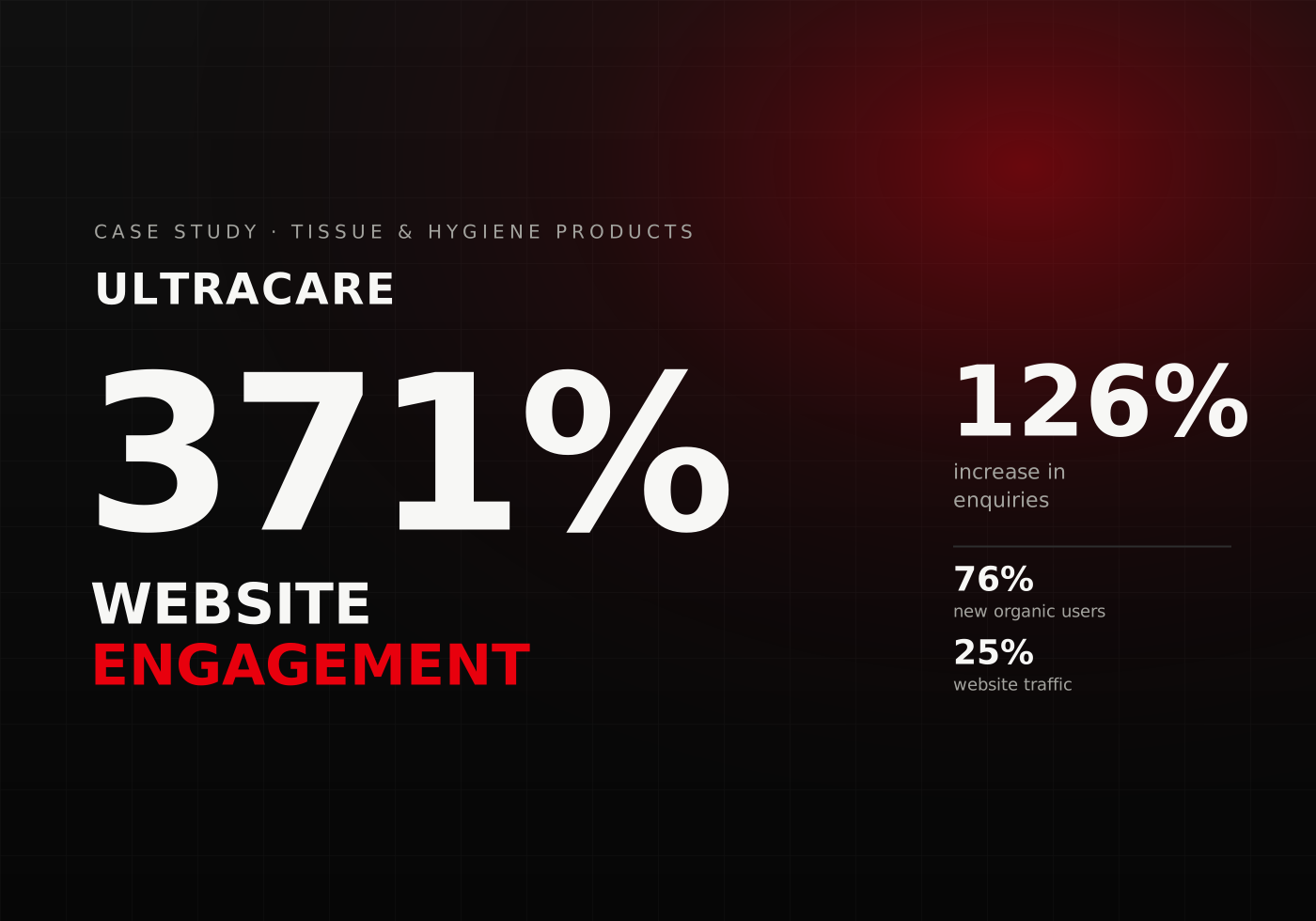
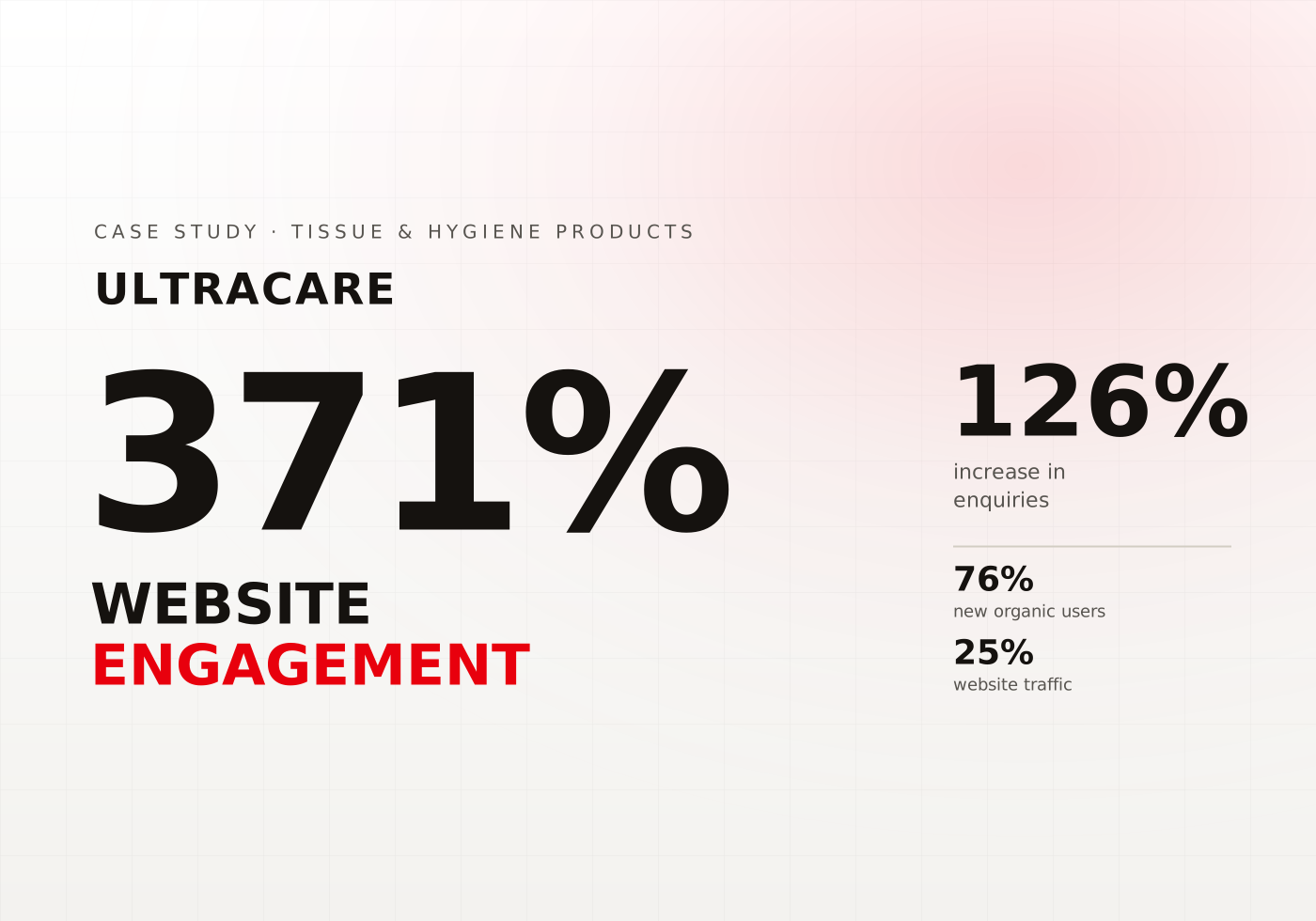
Ultracare
Elevating Engagement - A 371% Boost in Website Interactions
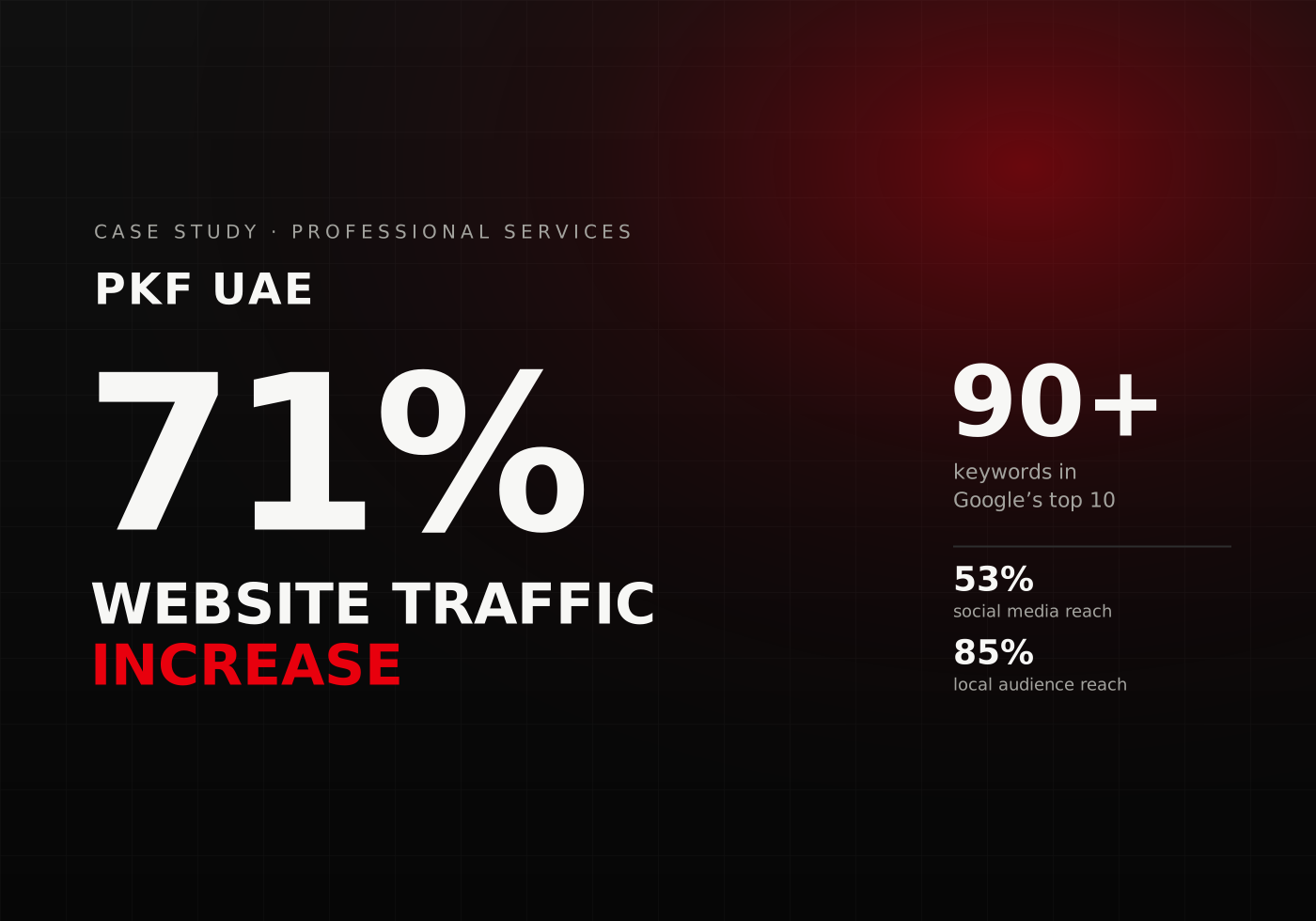
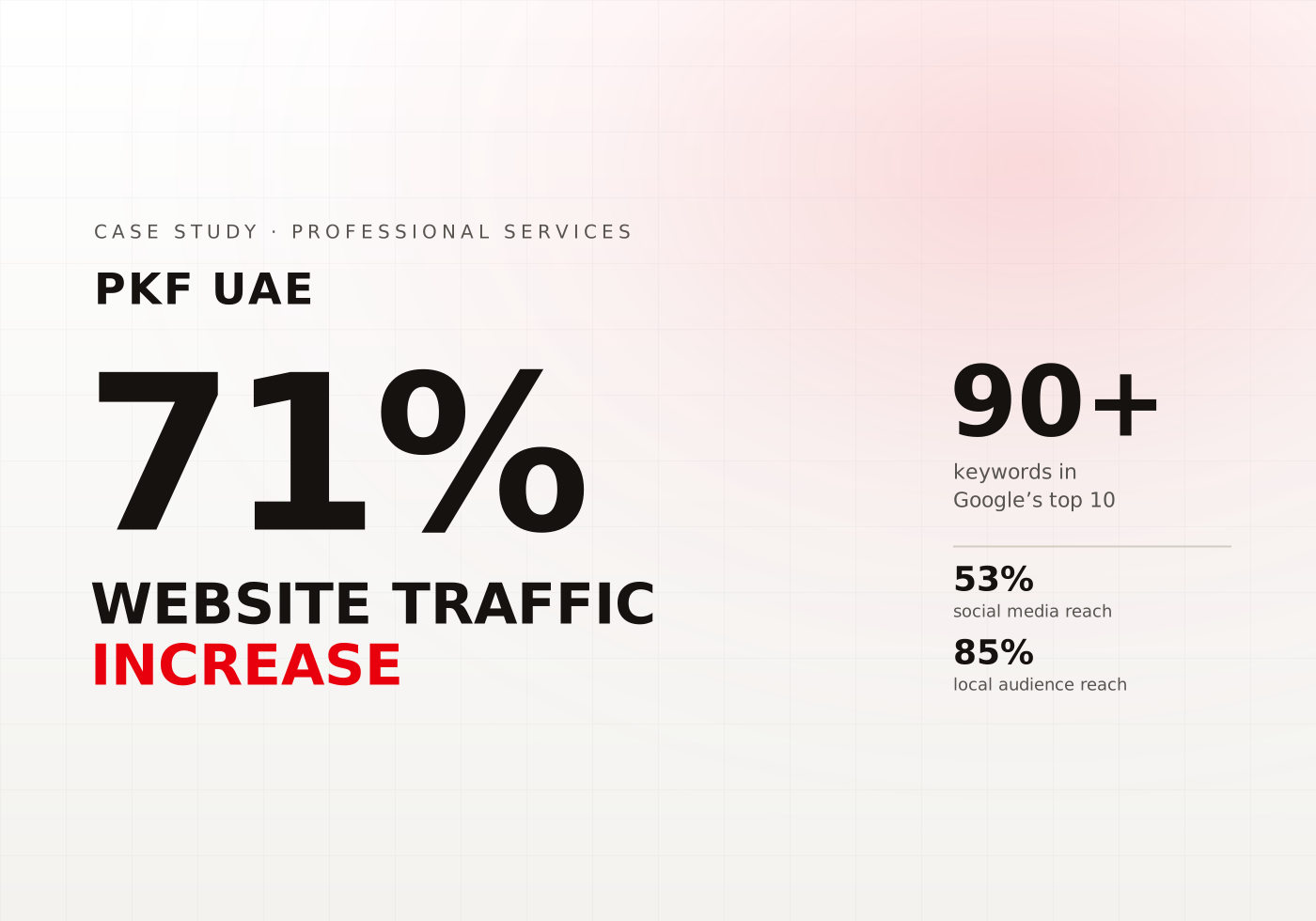
PKF UAE
Driving Success for PKF with 71% Traffic Surge
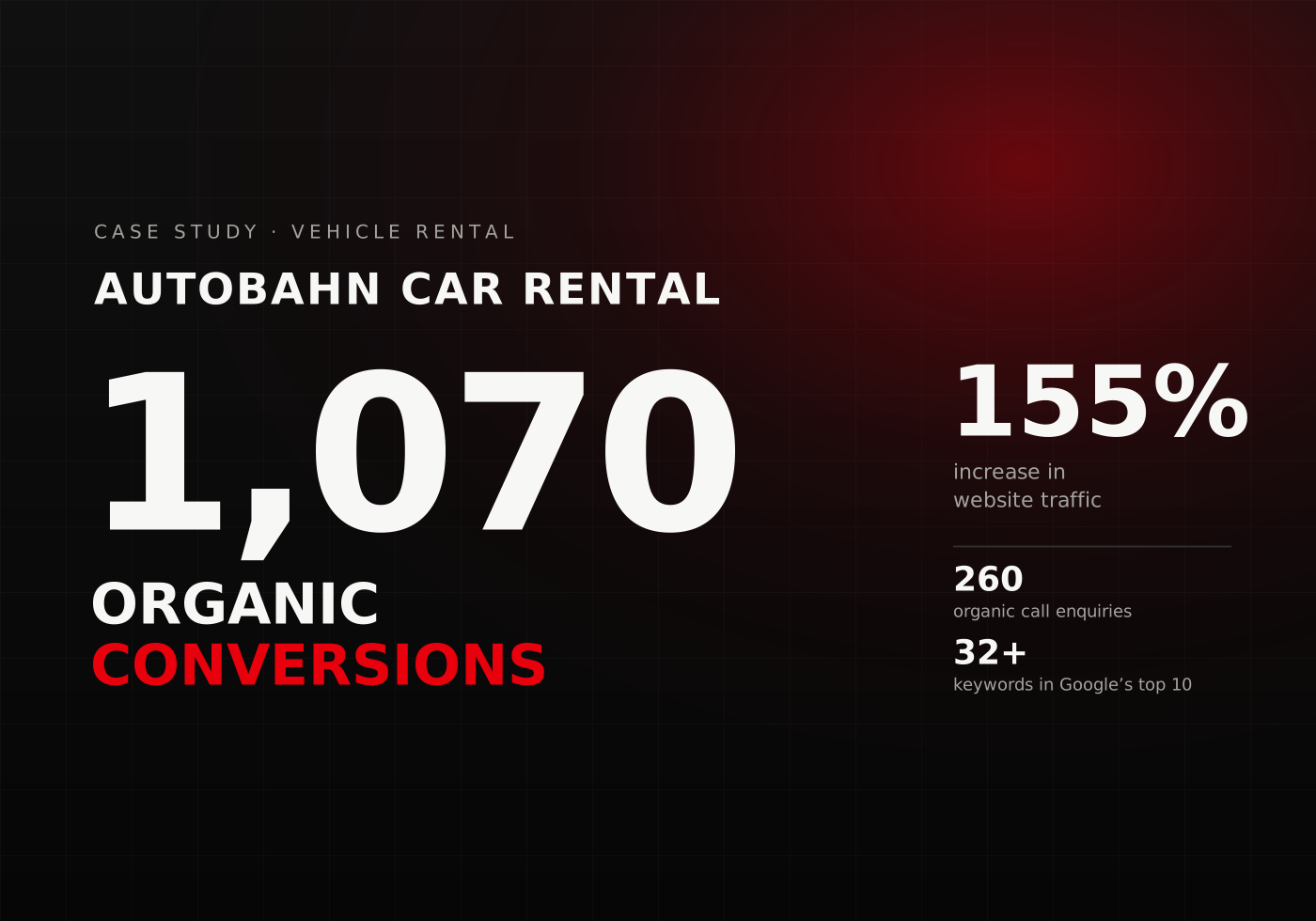
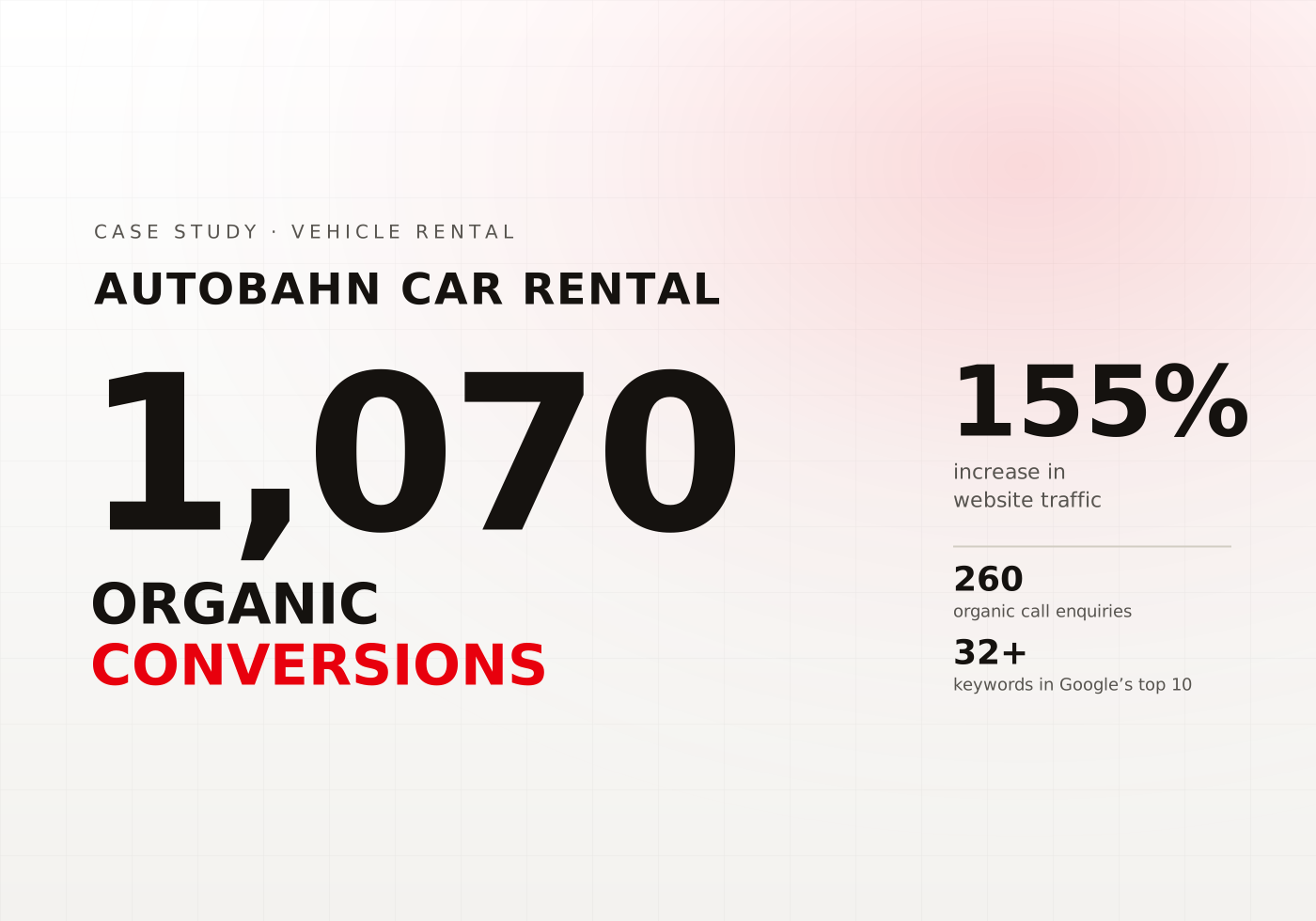
Autobahn Car Rental
Accelerating Success with a 155% Growth in Website Traffic


AllDay Supermarket
Incredible 64x Increase in Social Media Impressions for AllDay Supermarket
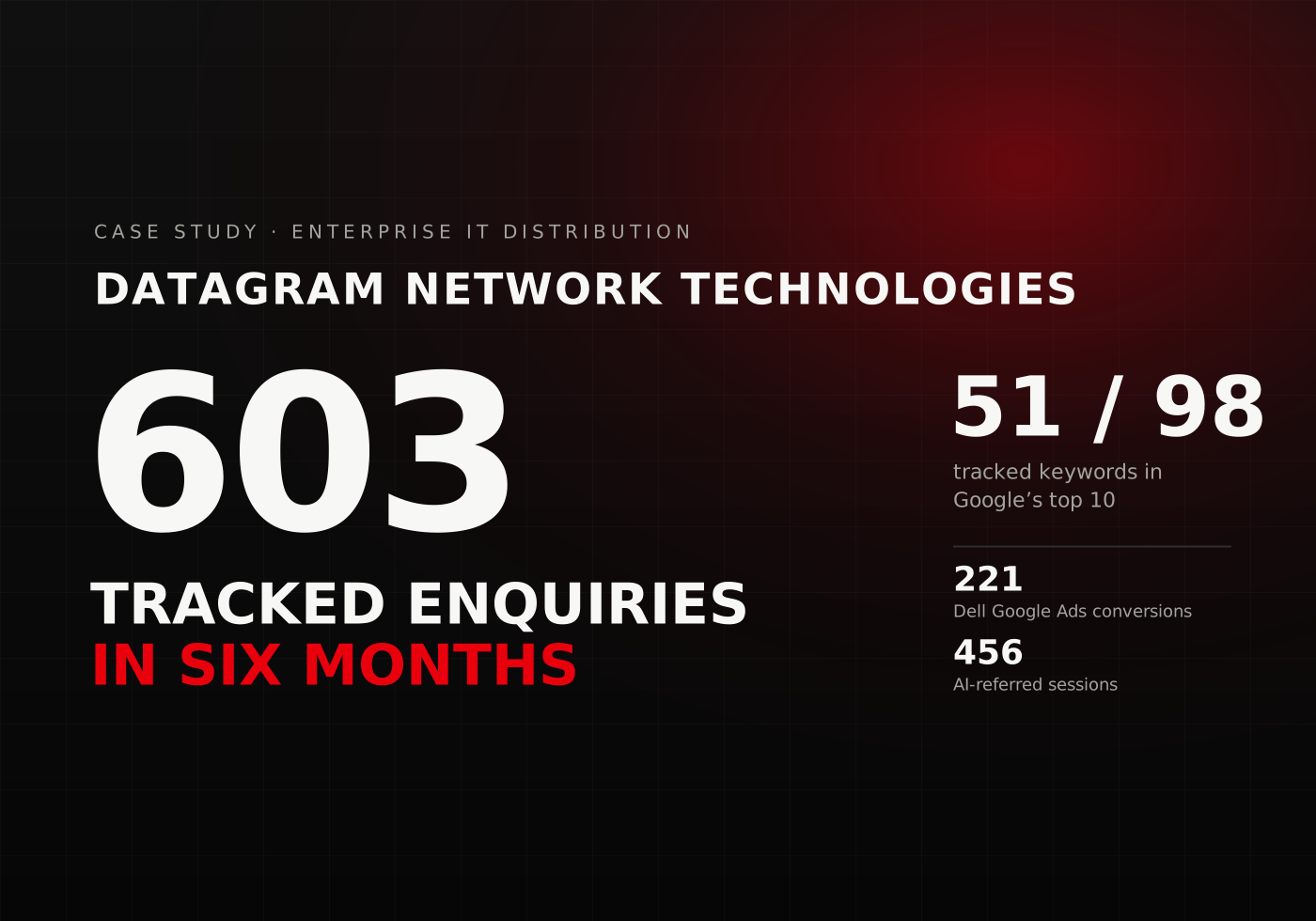
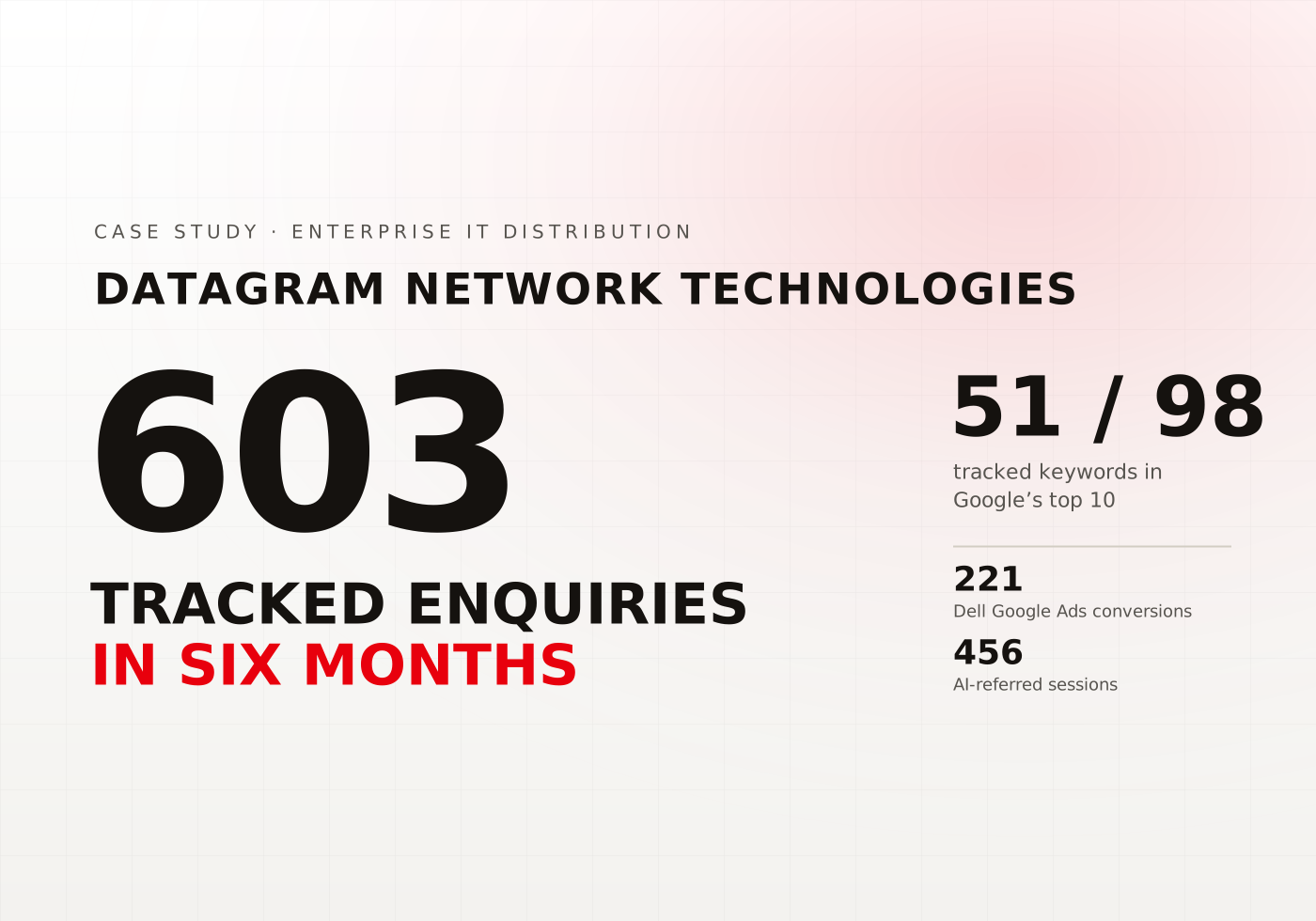
Datagram Store
Transforming the High-End IT Product E-Commerce Experience
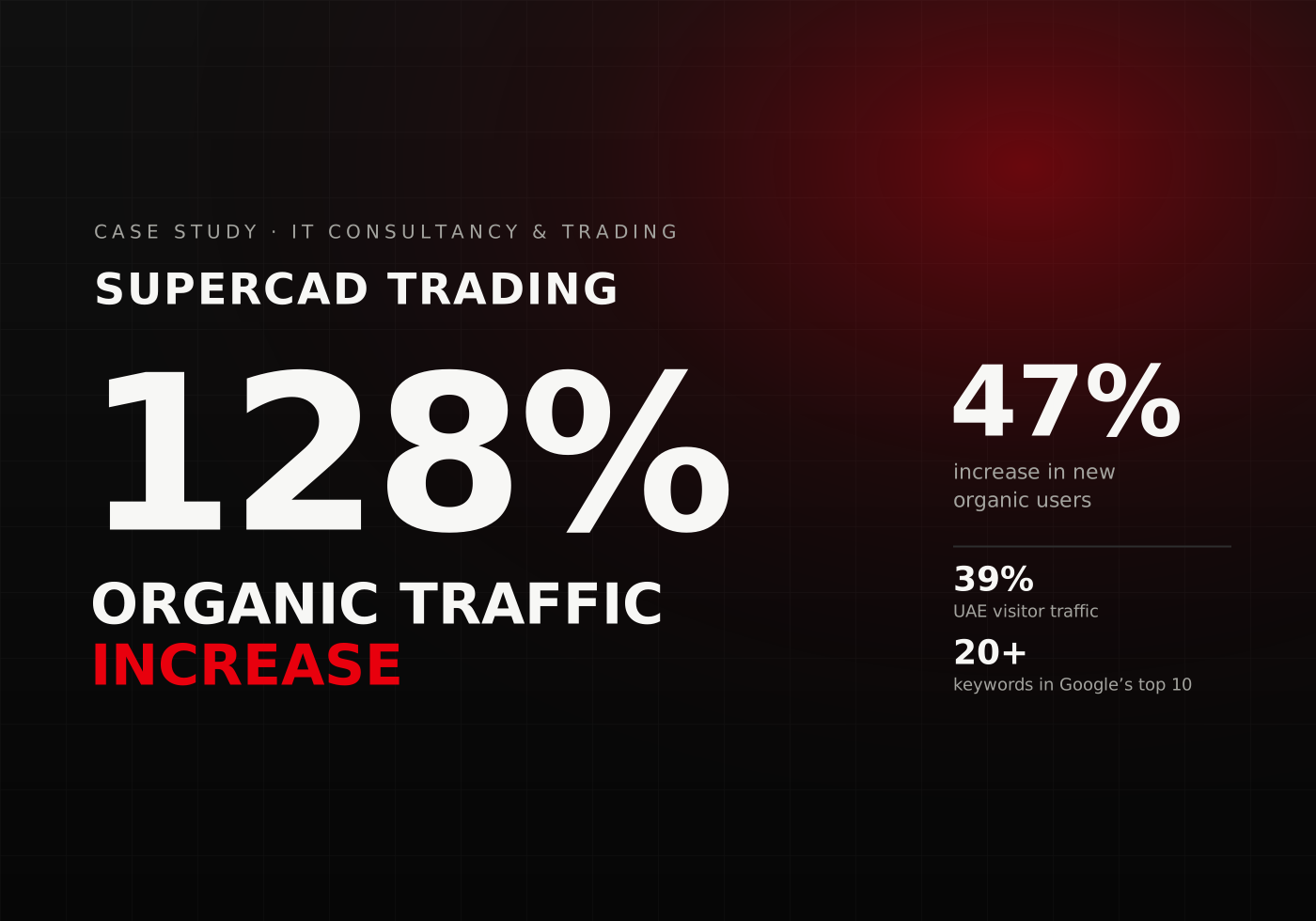
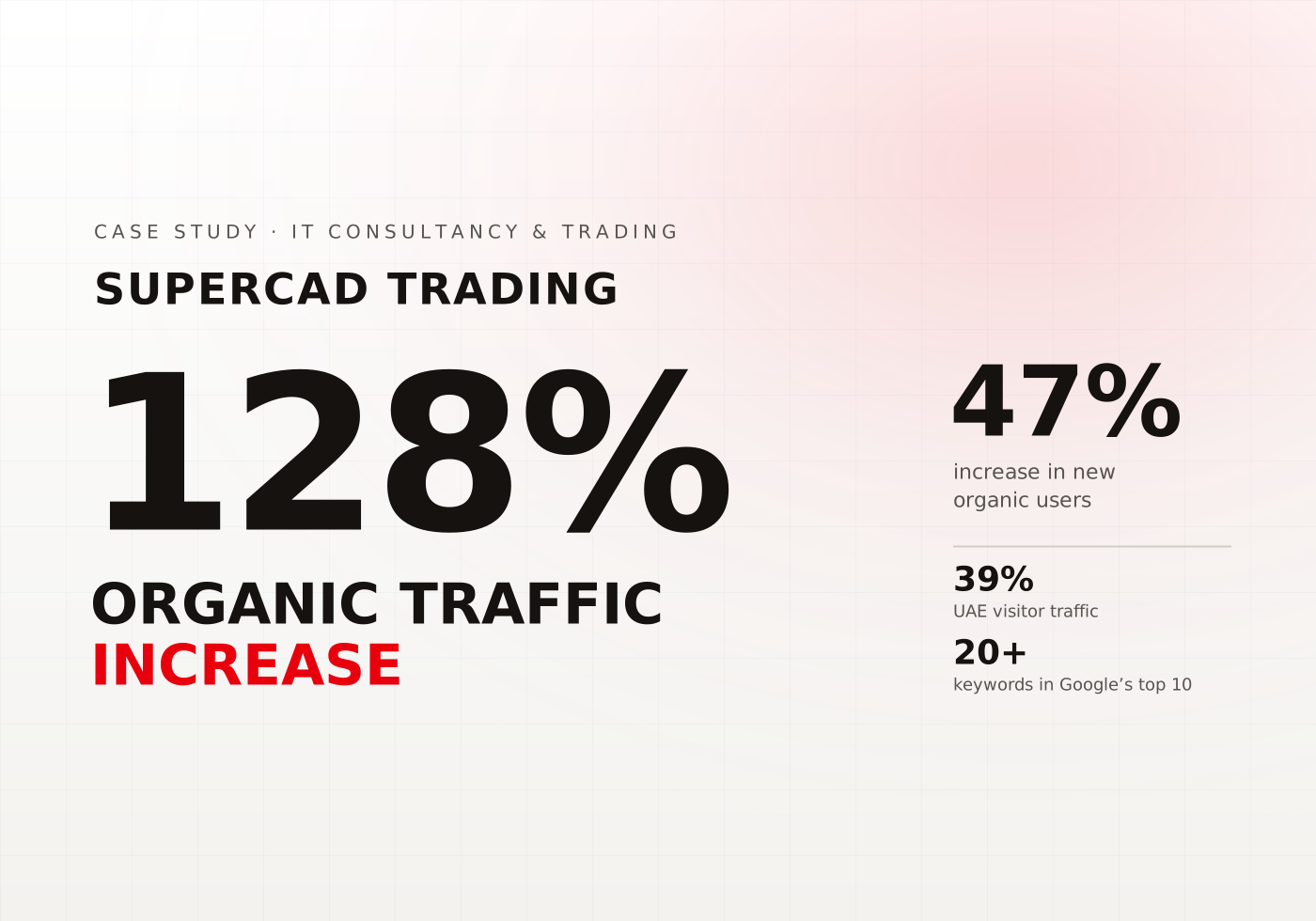
Supercad Trading
Revamping IT Solutions with a 128% Increase in Organic Traffic
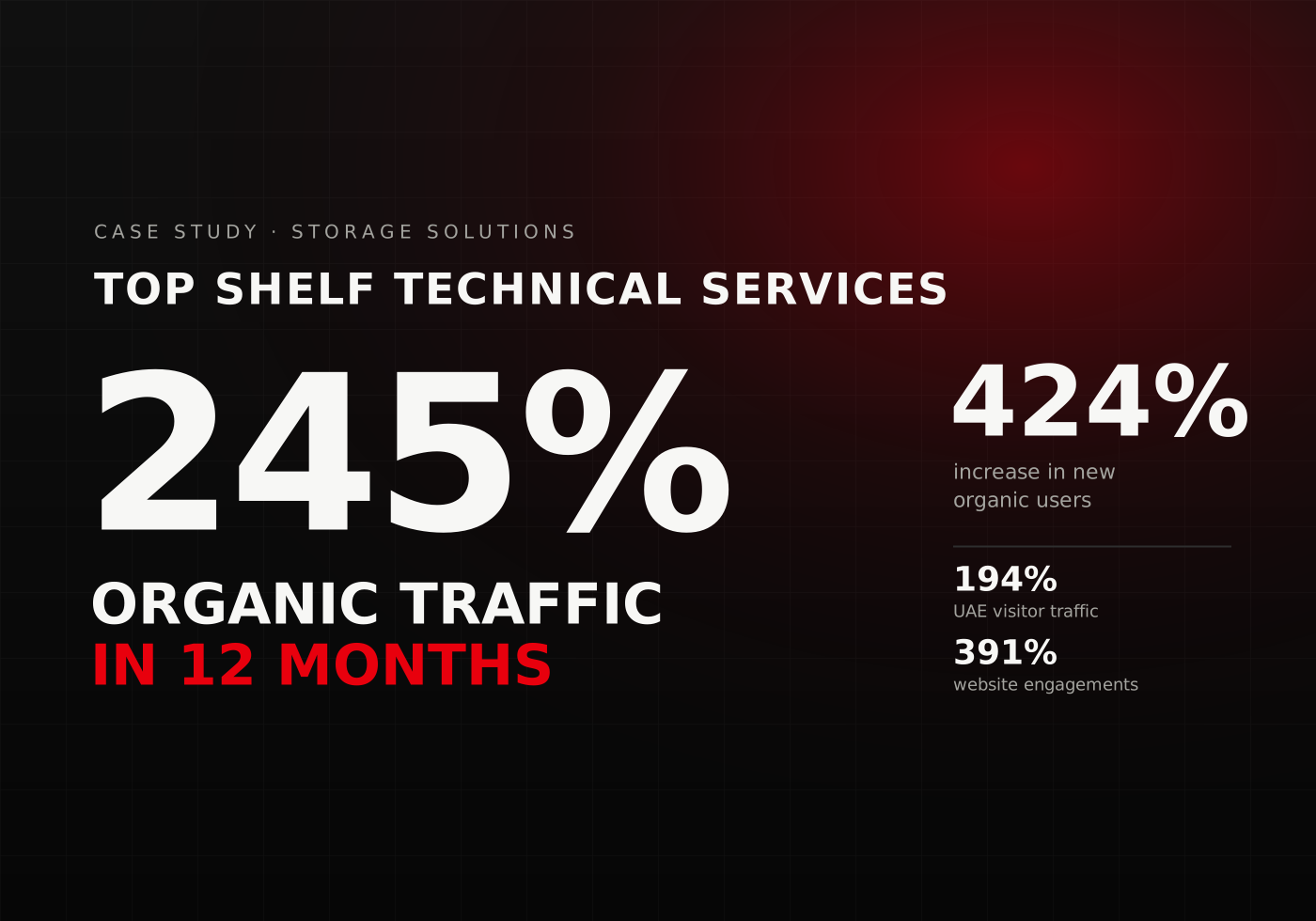
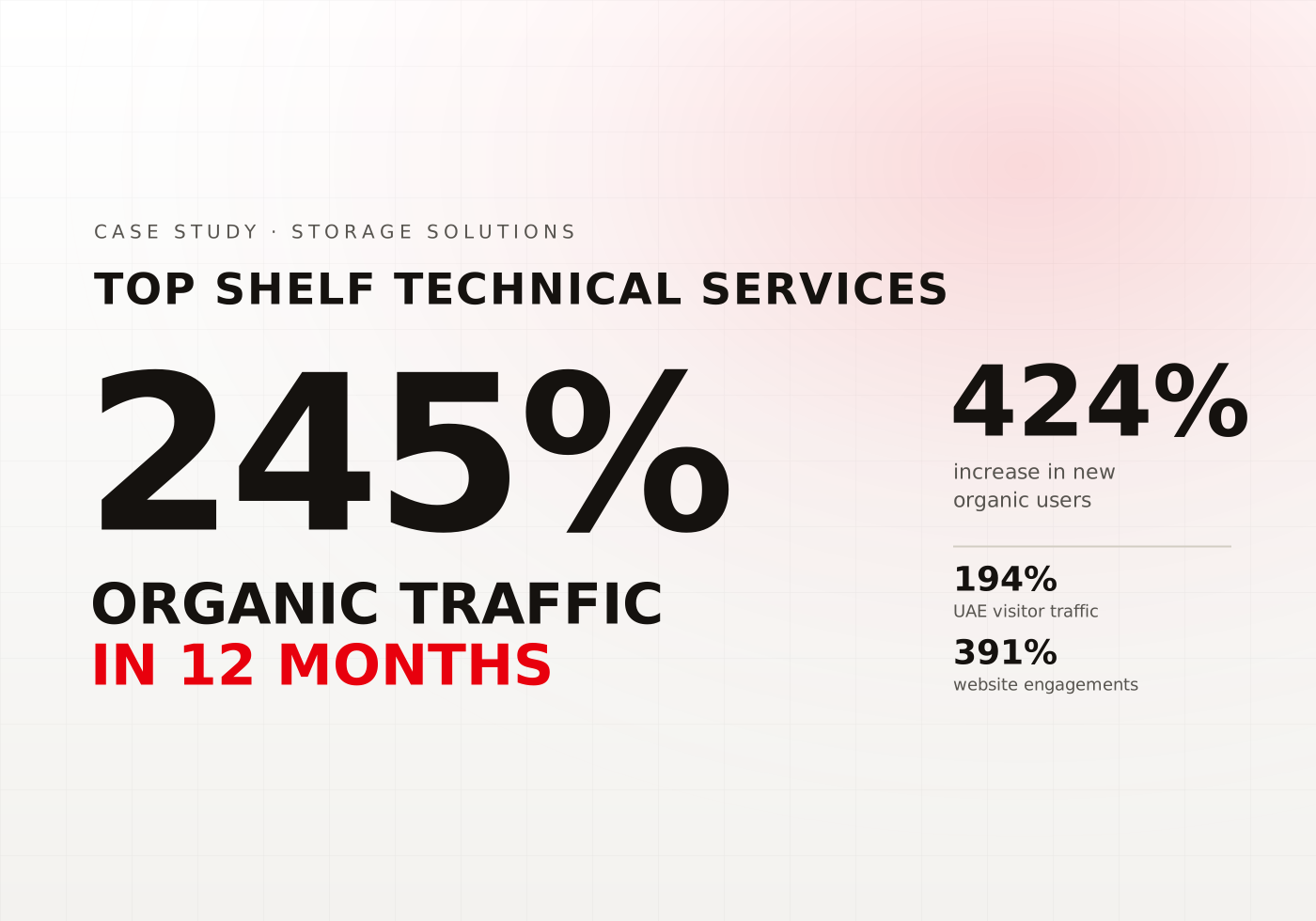
Top Shelf Technical Services
Boosting Organic Traffic by 245% in 12 months
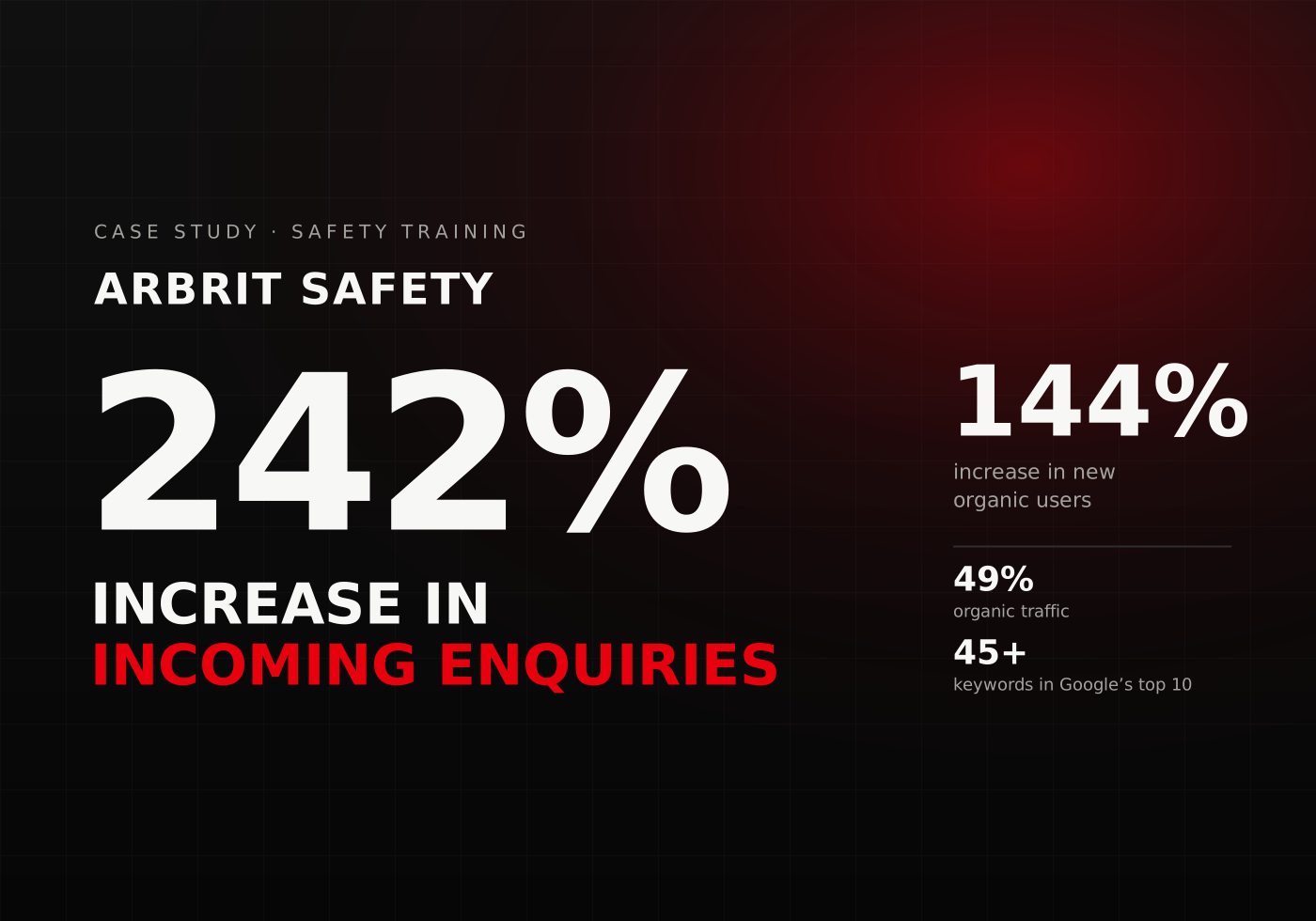
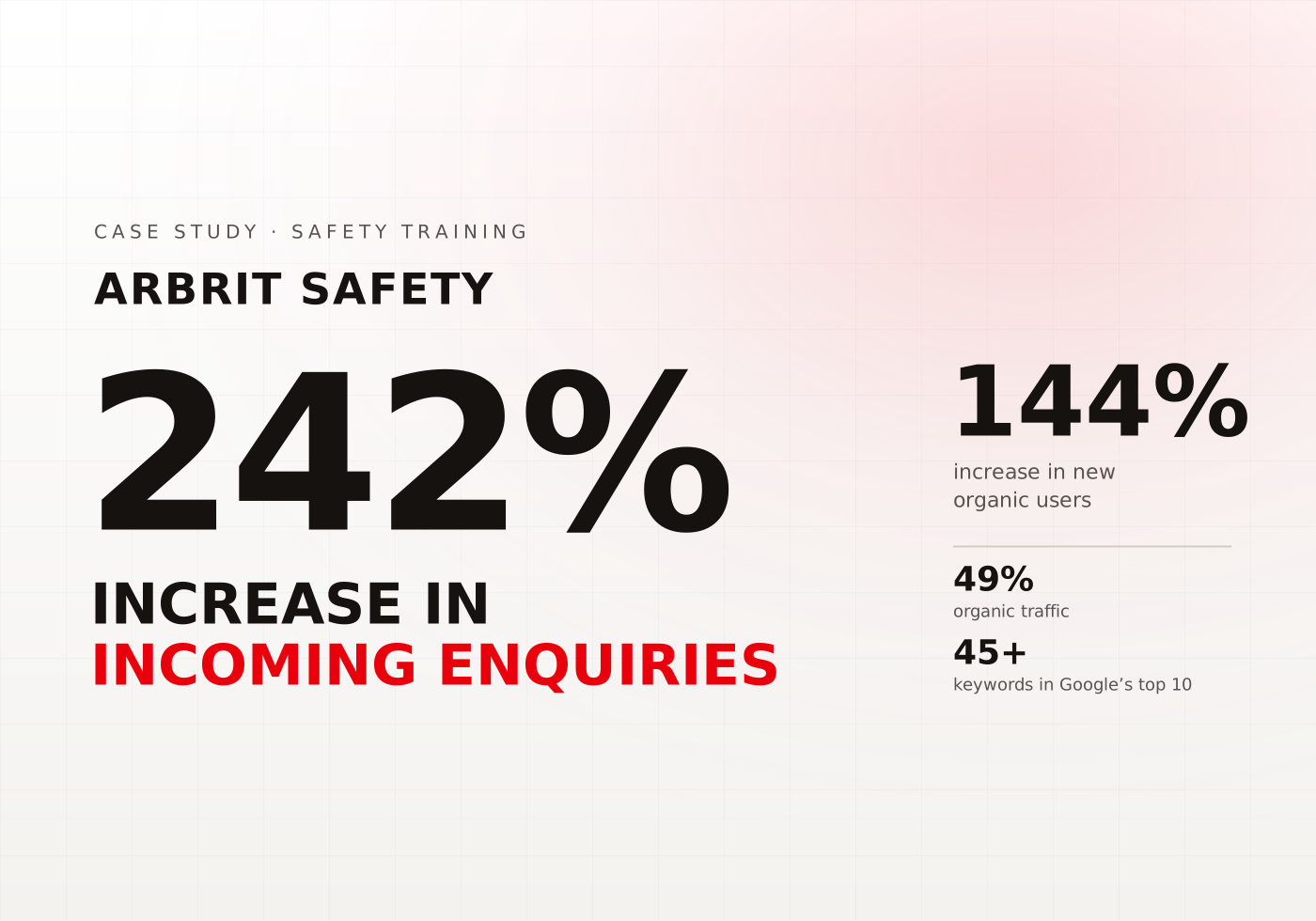
Arbrit Safety
Empowering Health and Safety with a 242% Increase in Enquiries
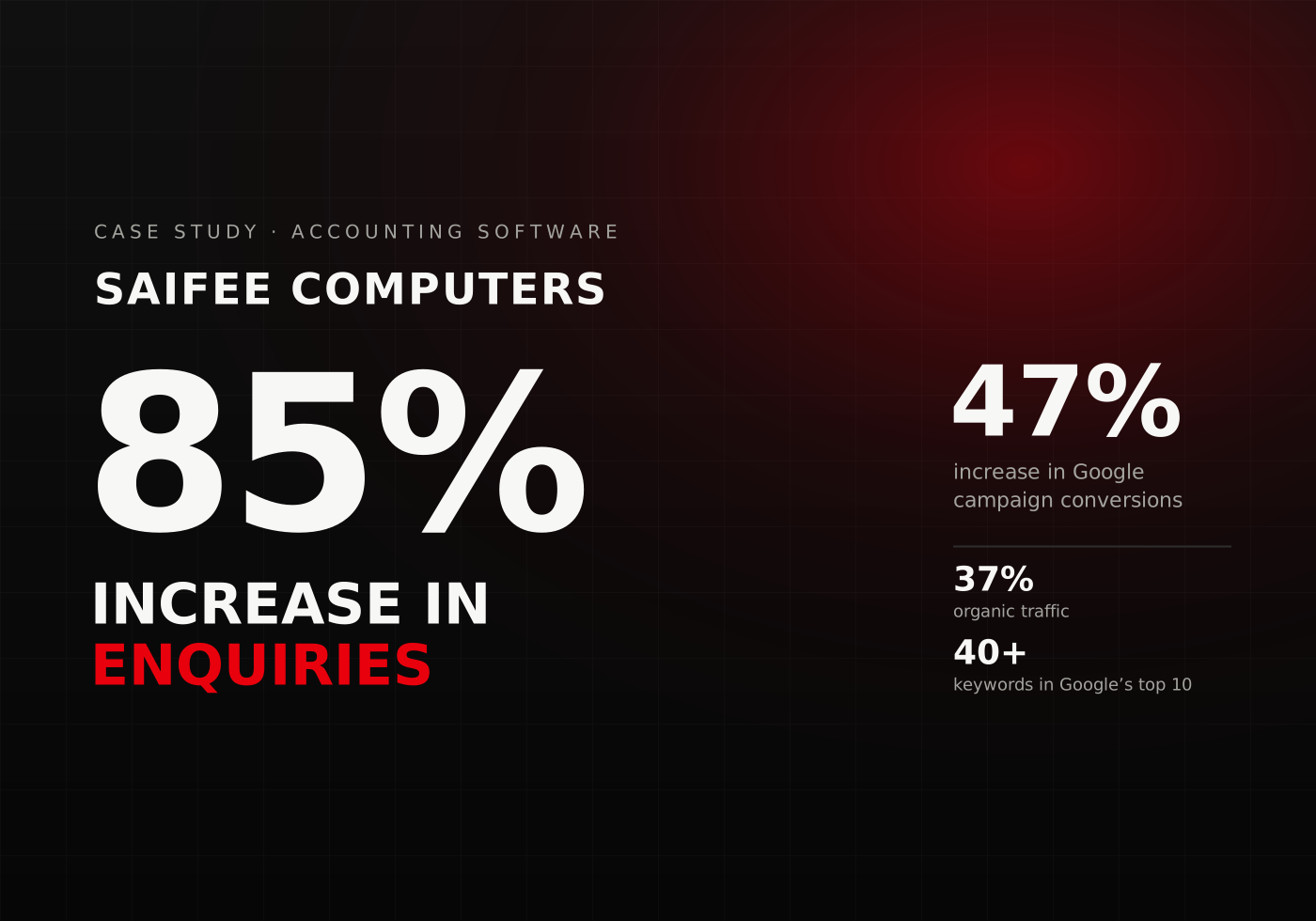
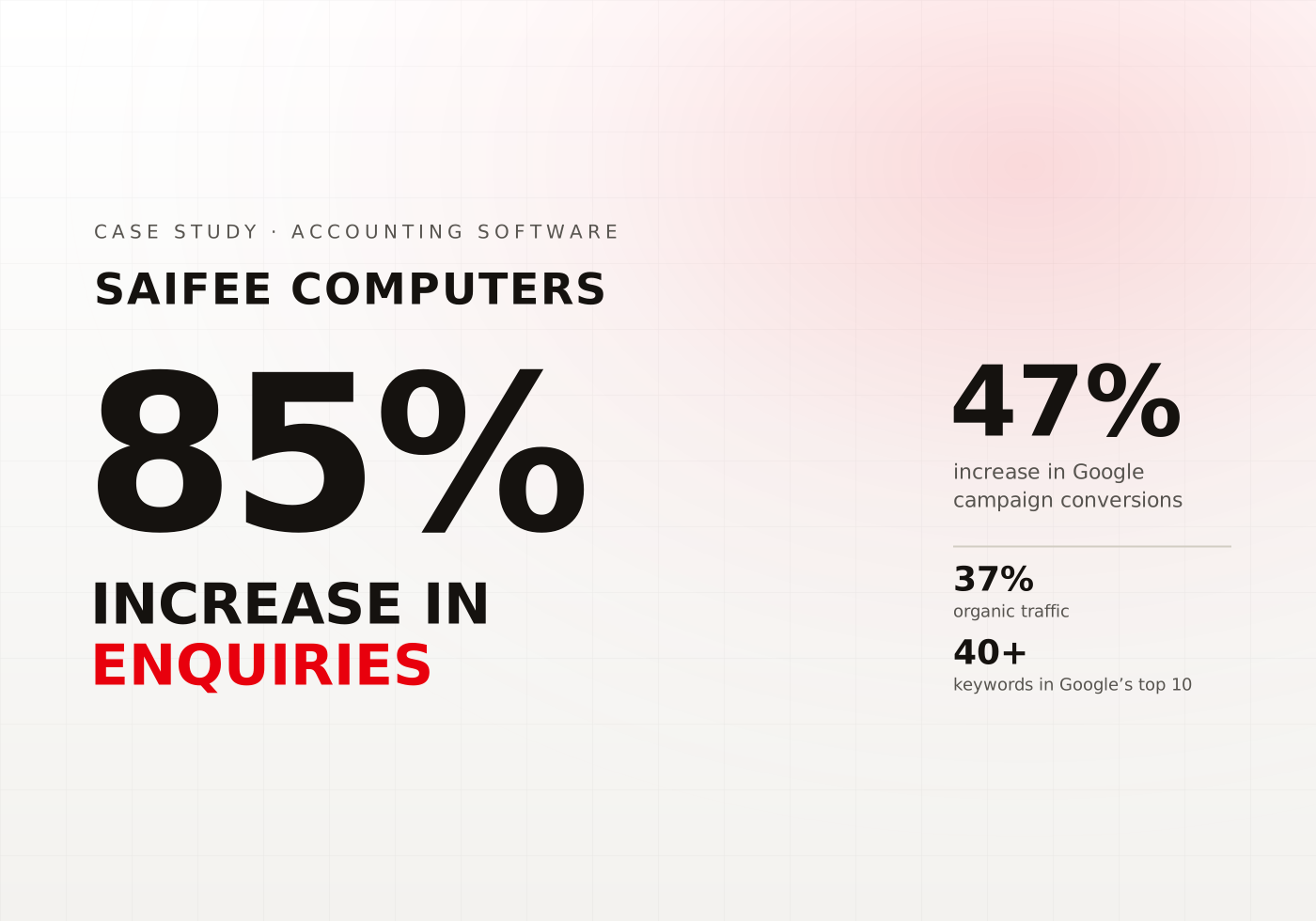
Saifee Computers
Accounting Software Sales with an 85% Increase in Enquiries
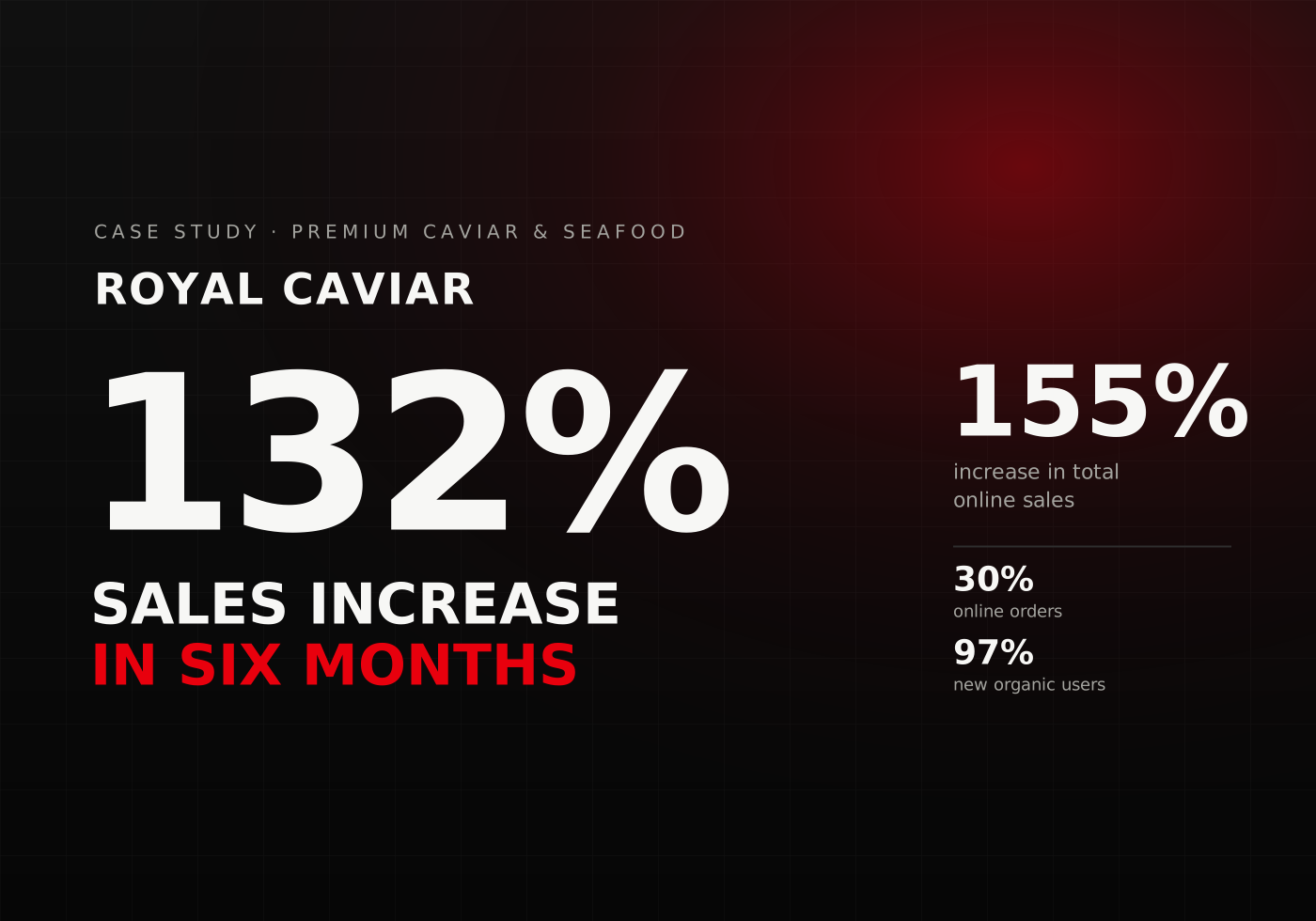
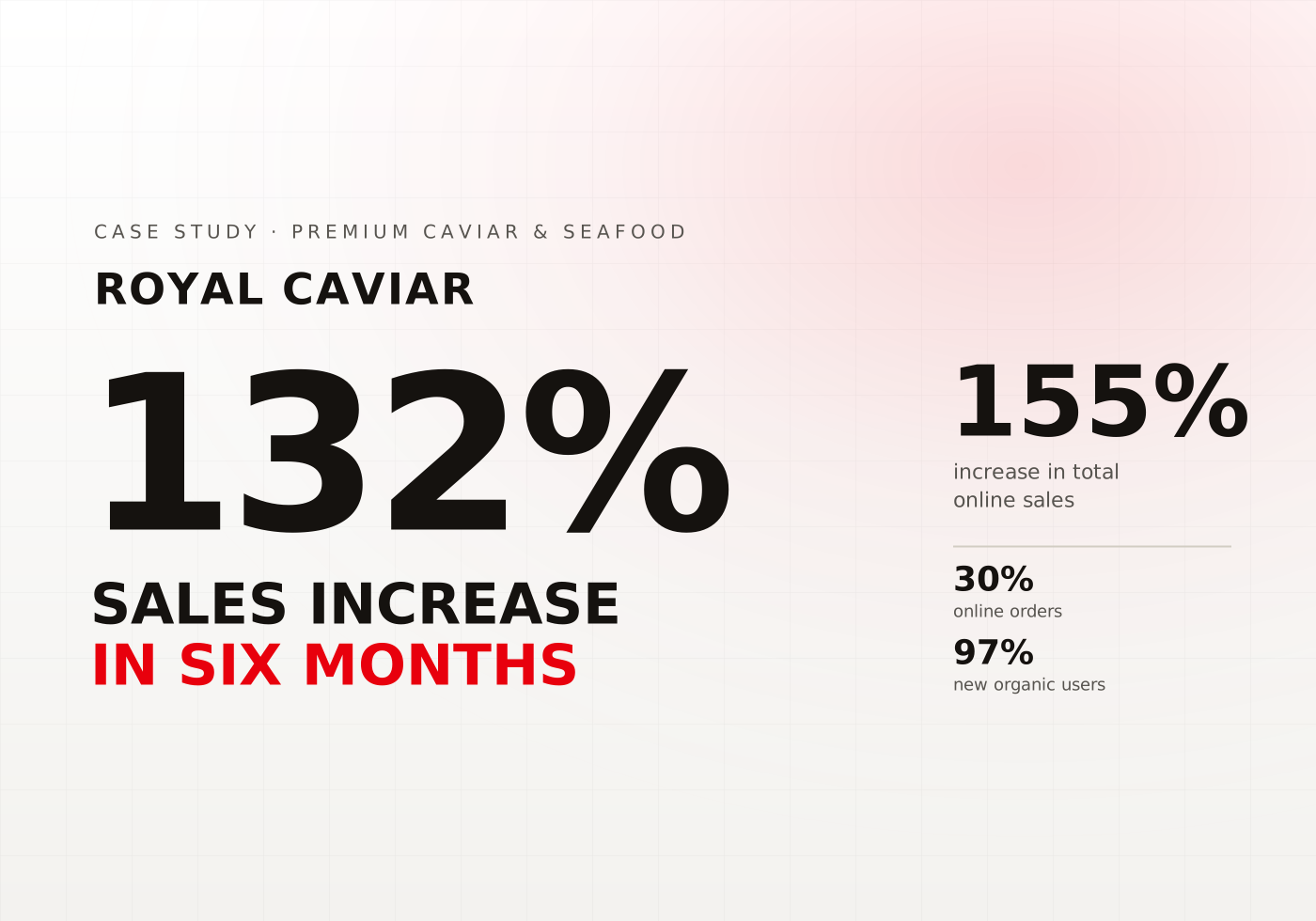
Royal Caviar
Increase in sales by 132% in the First Six Months
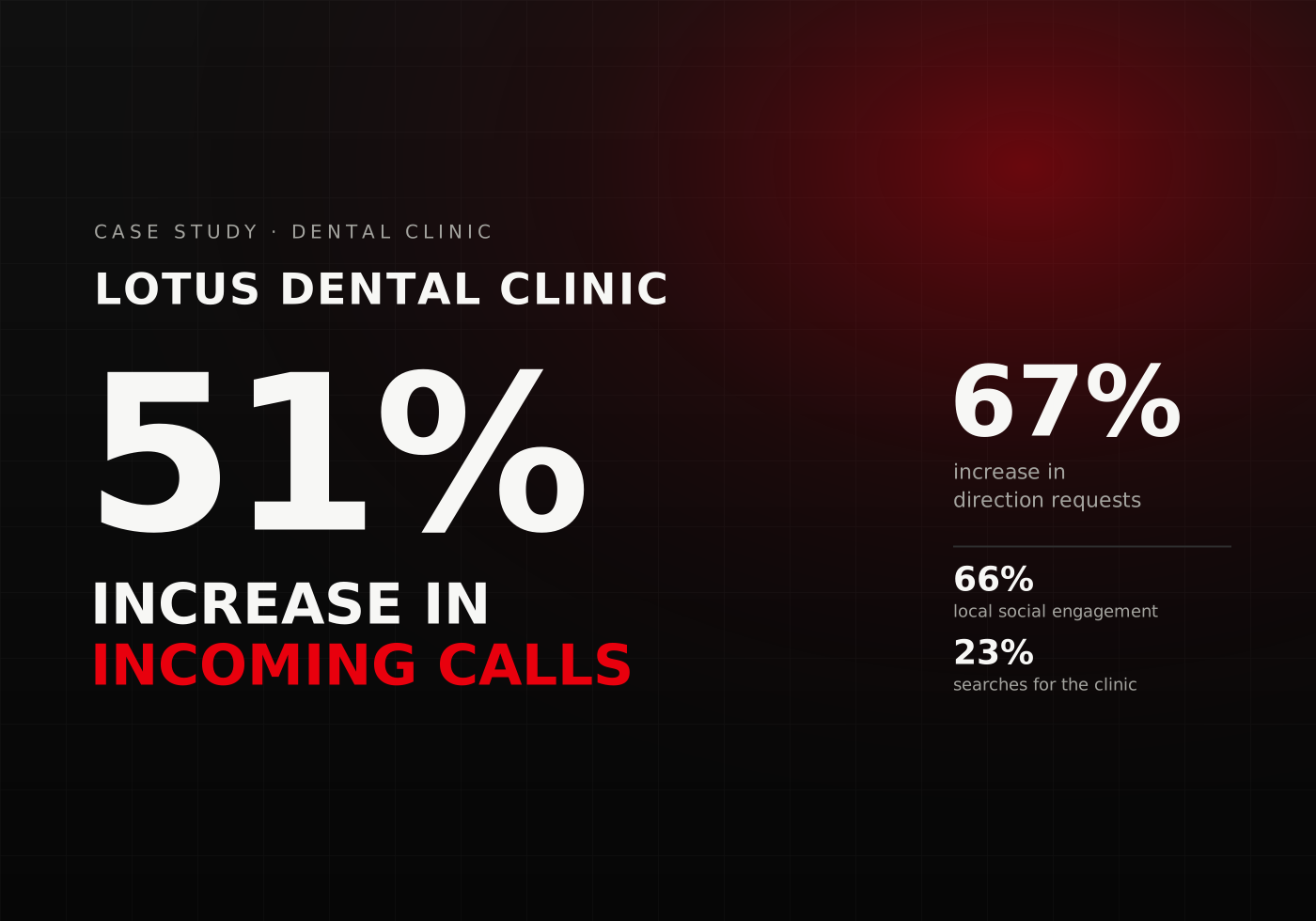
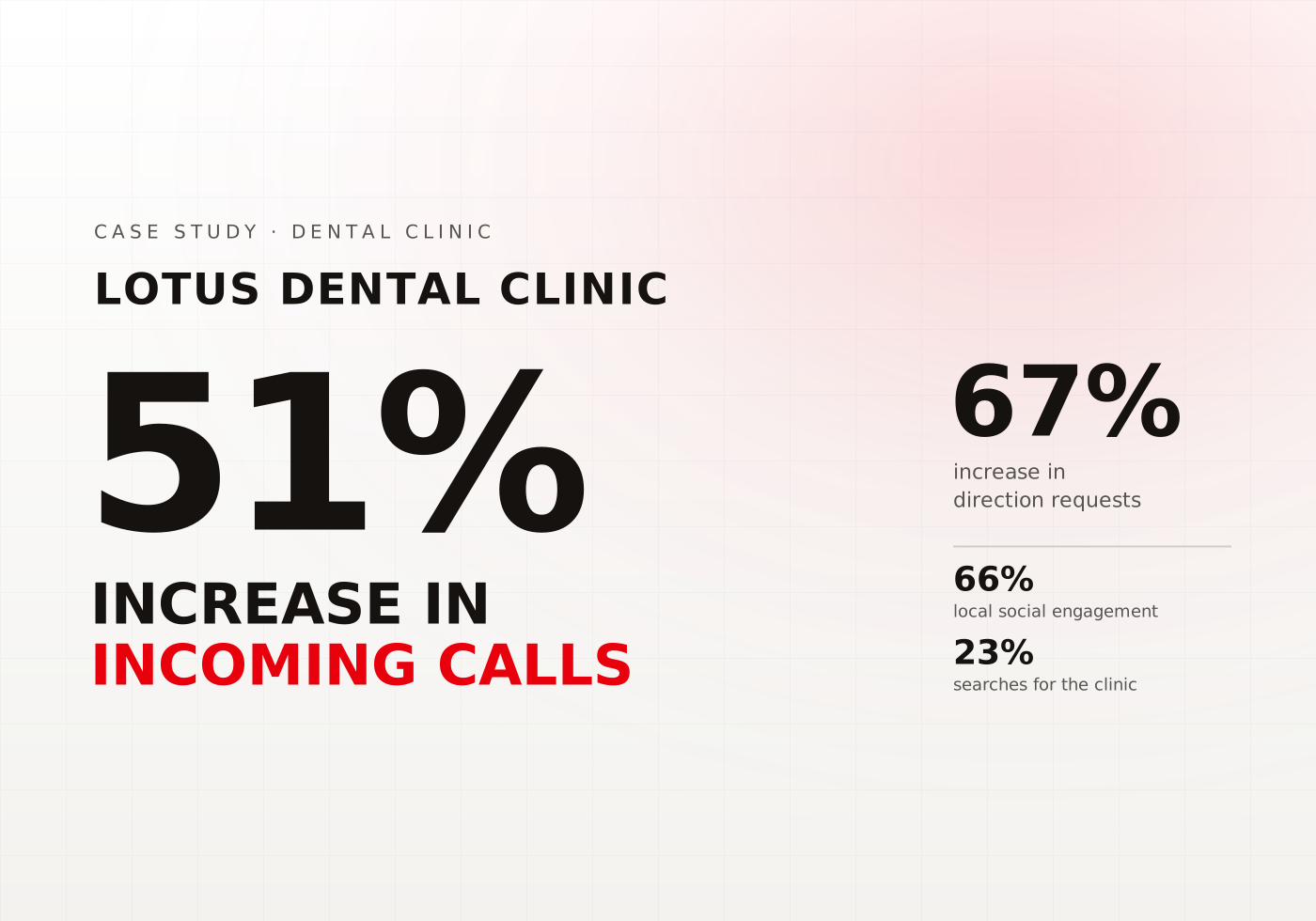
Lotus Dental Clinic
29% Increase in Local Calls for a Dental Clinic
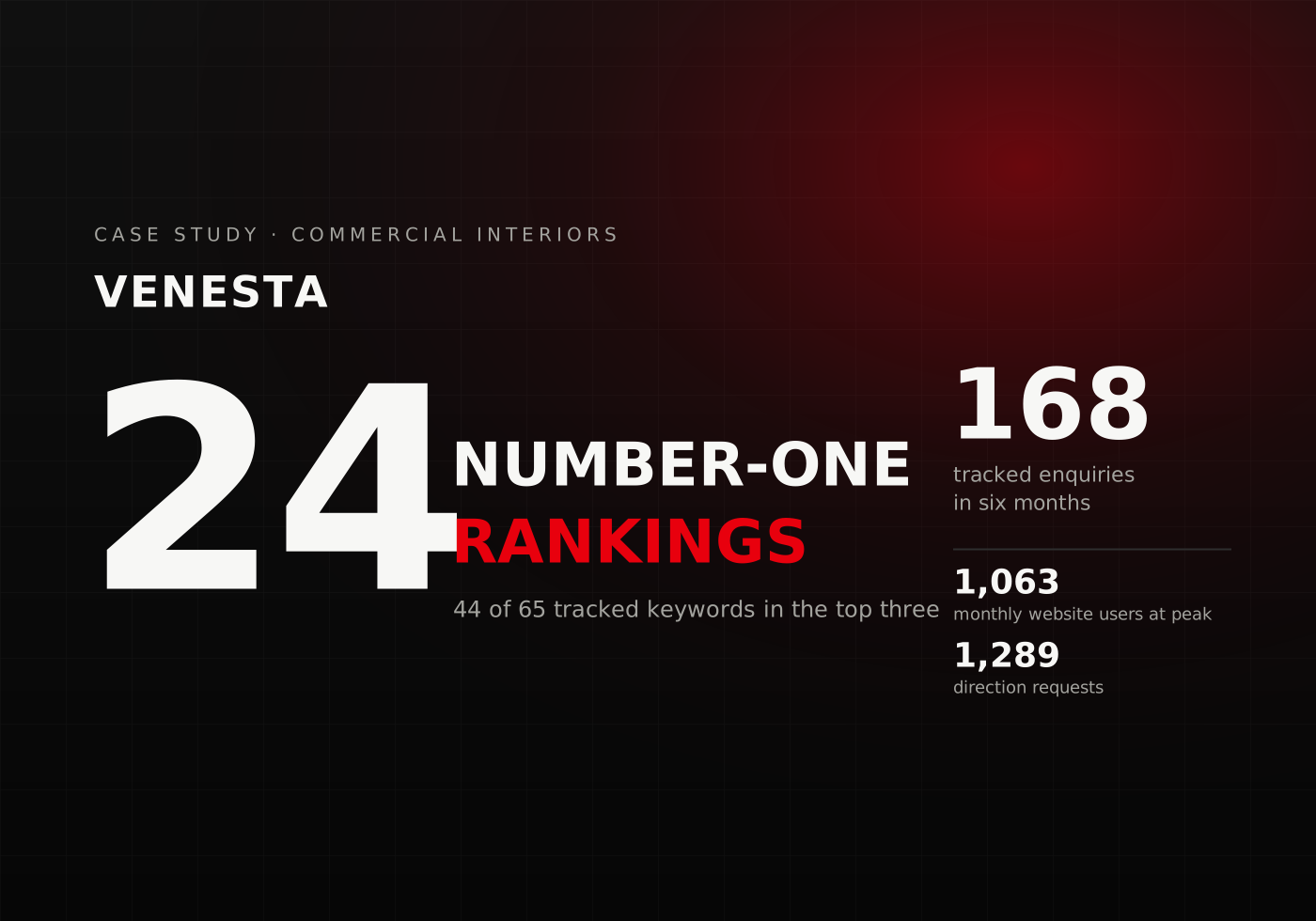
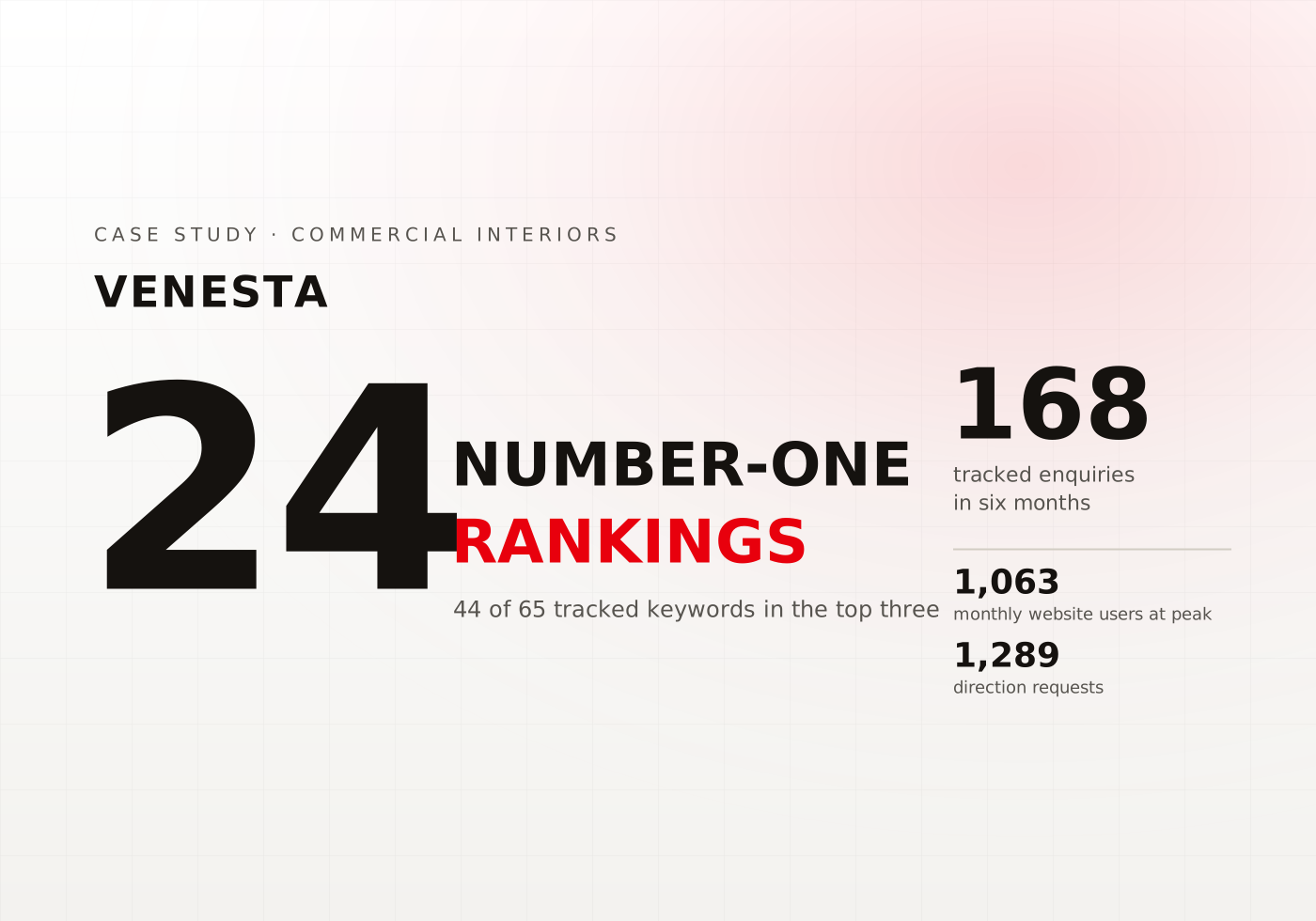
Venesta
New Market Expansion for a Washroom Solutions Provider
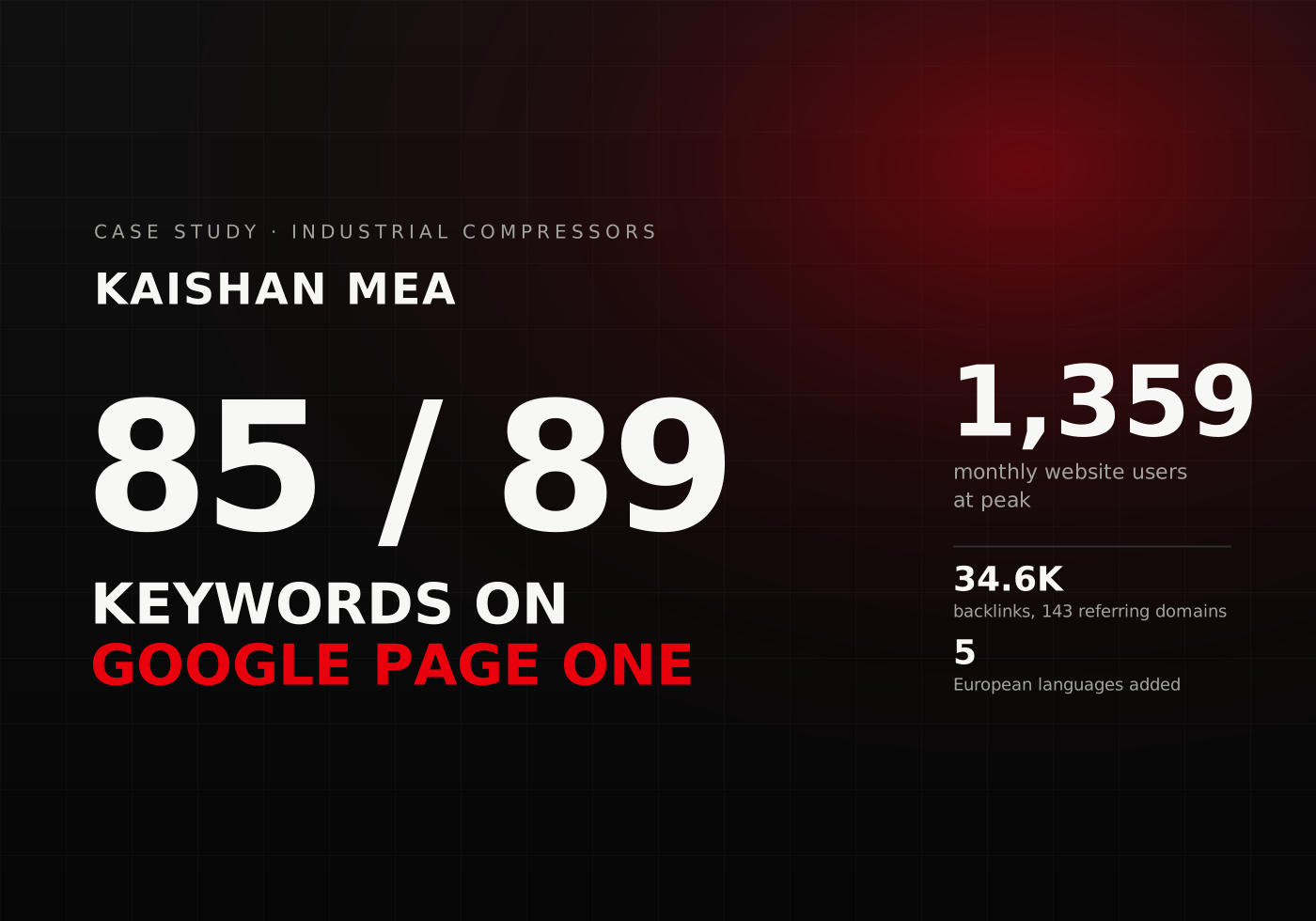
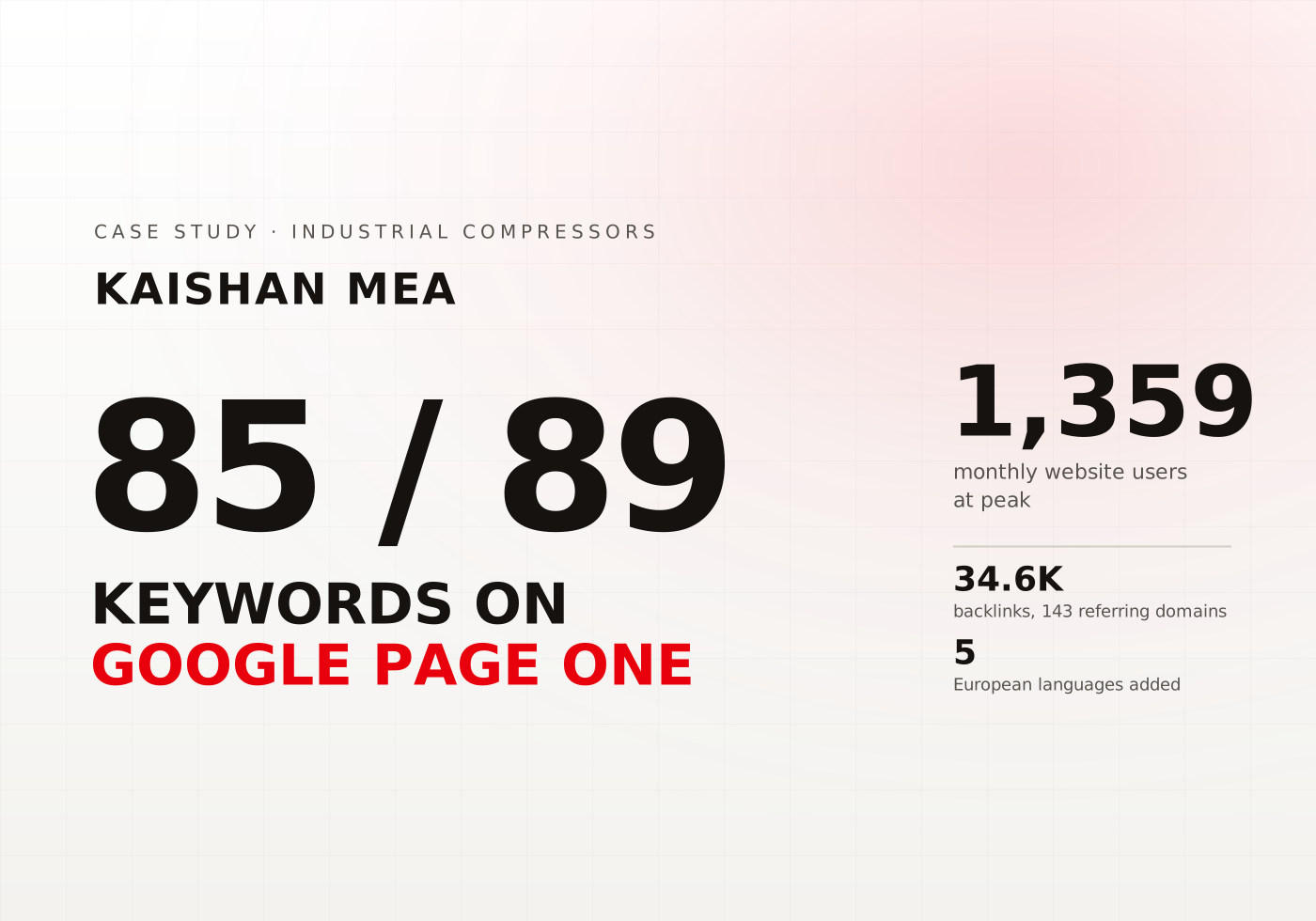
Kaishan MEA
Search dominance and multilingual expansion
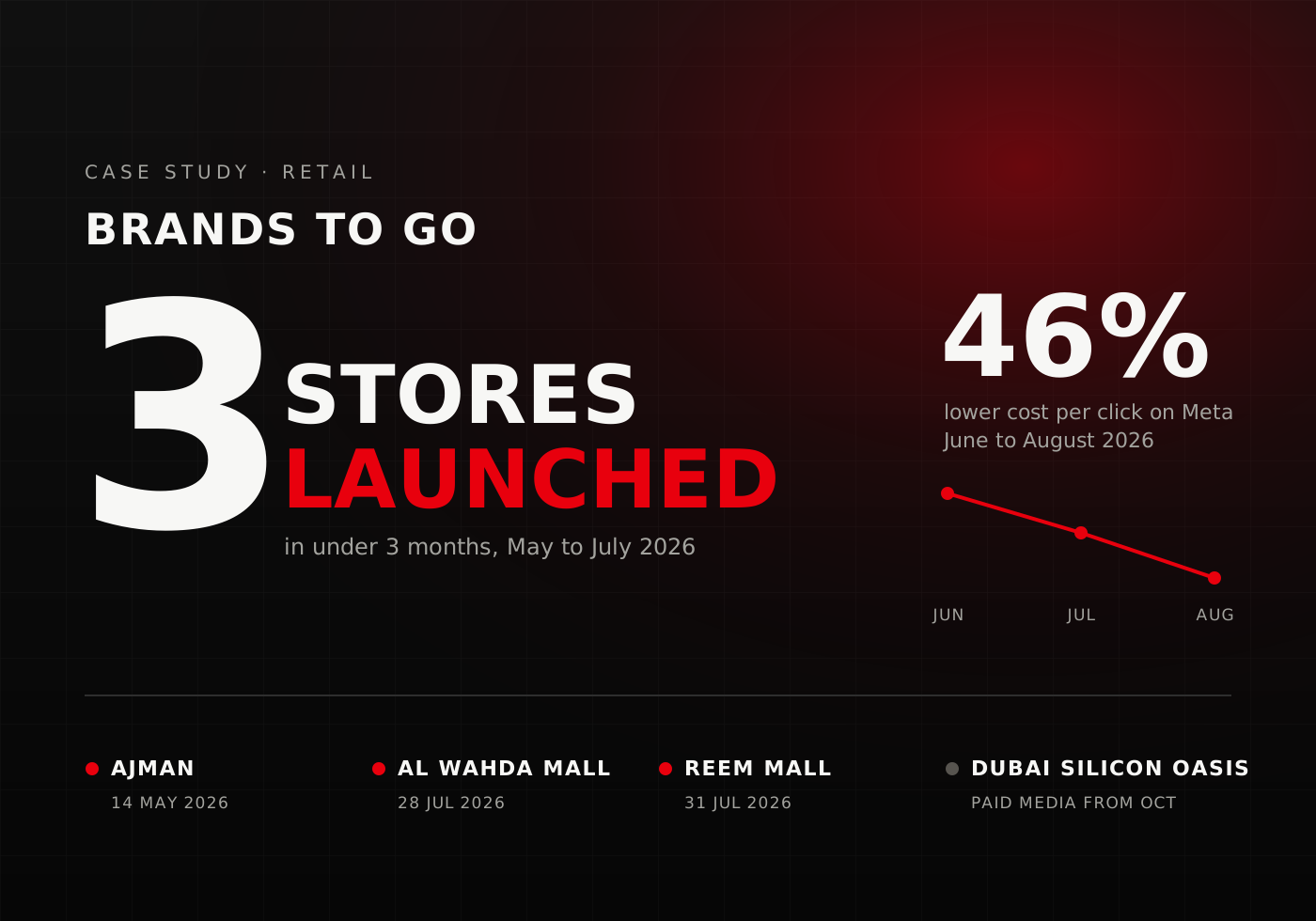
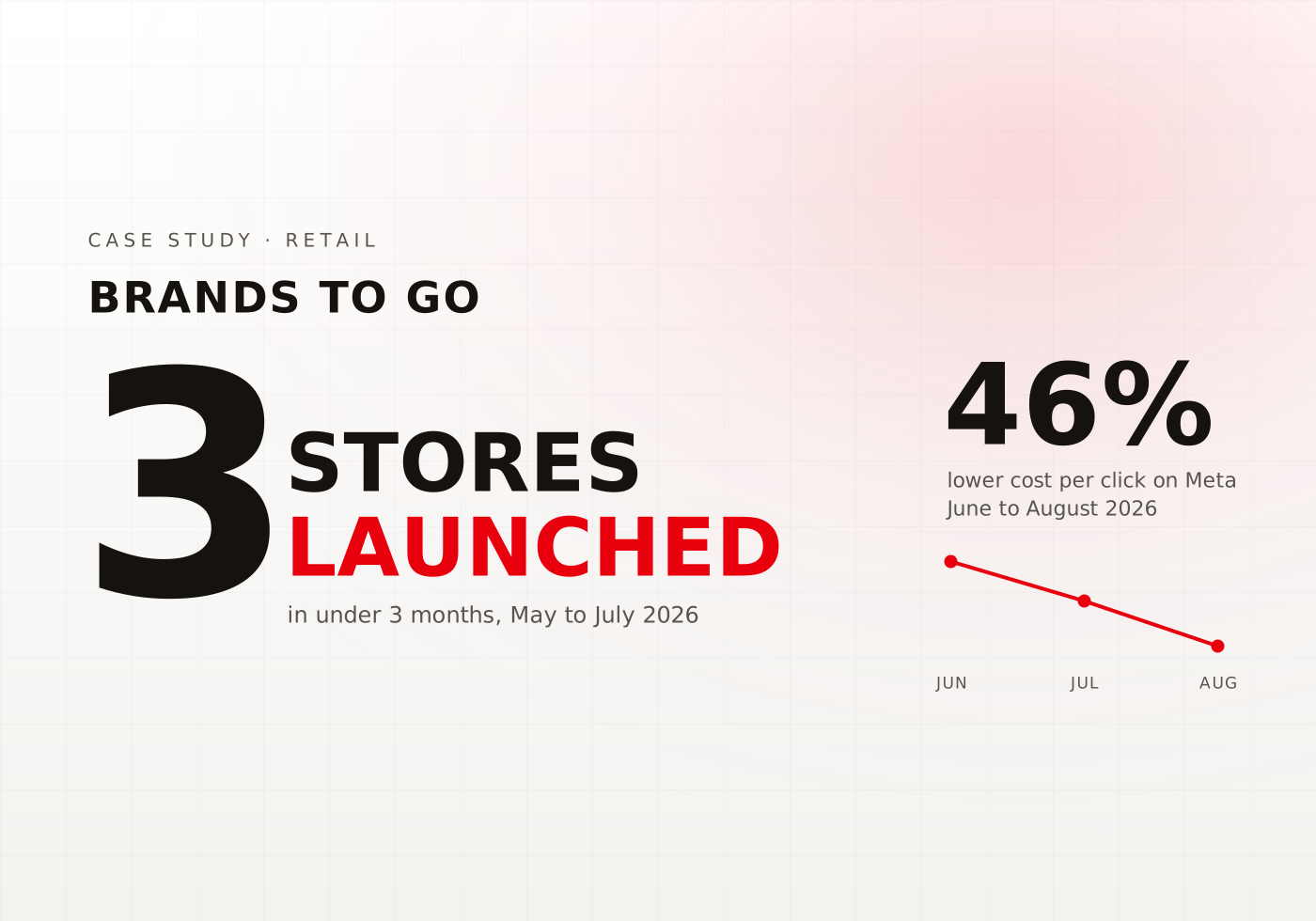
Brands To Go
Launching Brands To Go in 3 UAE Stores While Cutting Cost per Click 46%


Blaupunkt Home Appliances
Building Digital Visibility and Driving Measurable Demand for Blaupunkt
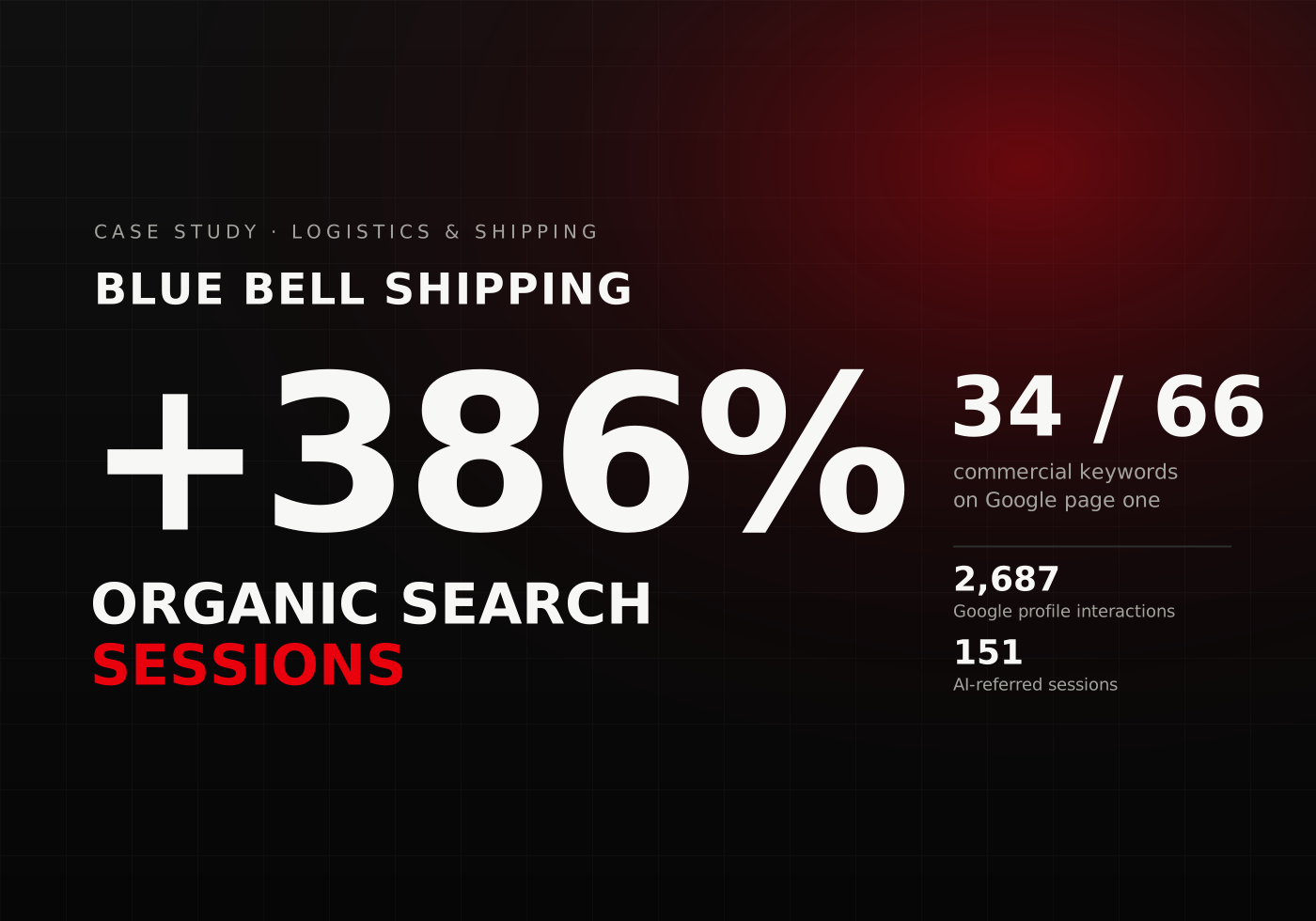
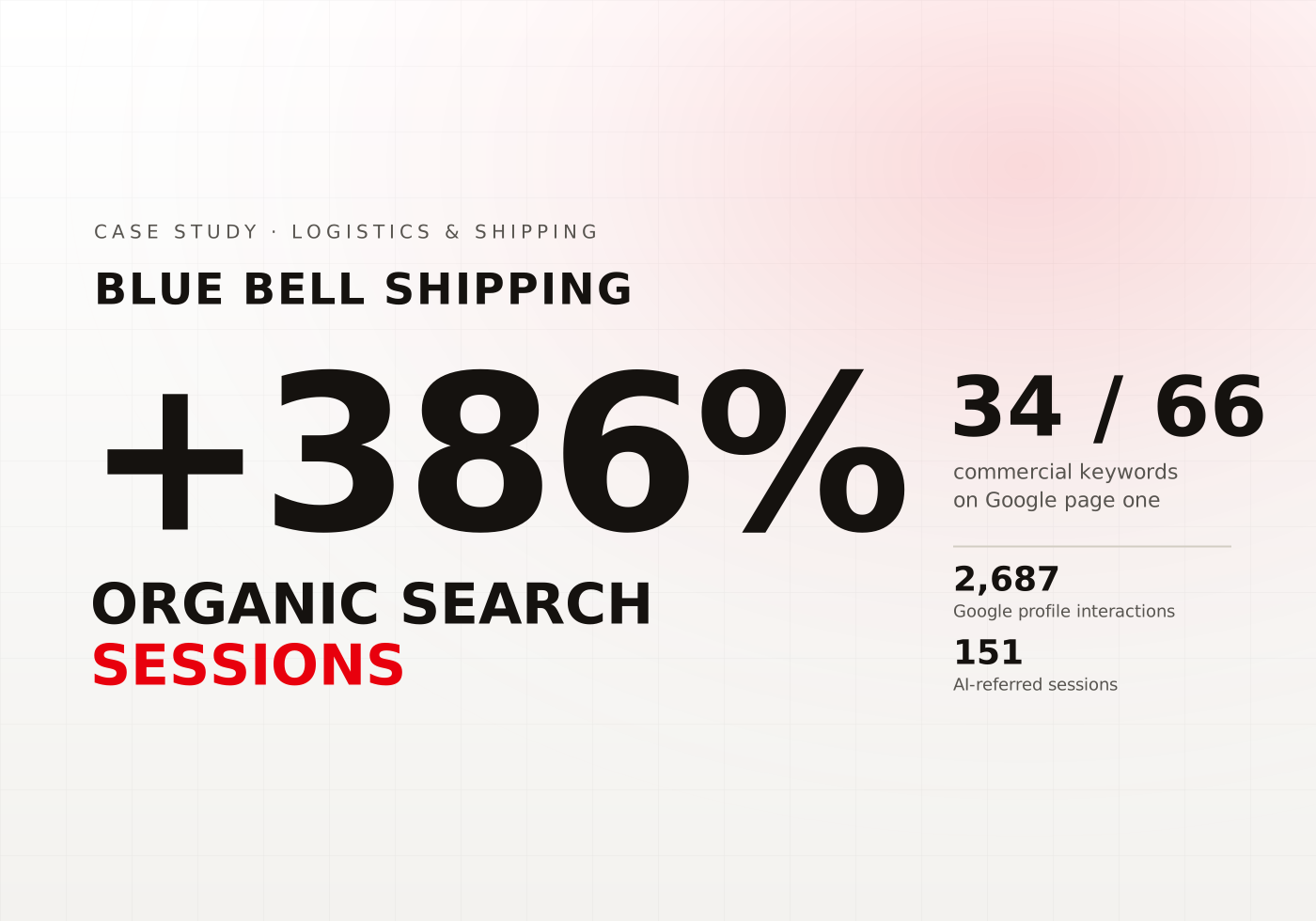
Blue Bell Shipping
Making a Logistics Brand Visible Wherever B2B Buyers Search


Dubai Duty Free Tennis Championships
Nine Tournaments Powered by One Purpose-Built Digital Platform


IFL Freight & Logistics
Engineering a Full-Funnel Growth Engine for a Logistics Business
next?Start the climb
FAQ
Everything you need to know about working with Dubai’s result-driven digital marketing agency.
Workflow automation uses agreed triggers, rules and actions to move information or start tasks across business systems. For example, a website enquiry can create a CRM record, notify the sales team and schedule a follow-up task.
The systems may include CRMs, email inboxes, website forms, spreadsheets, accounting platforms, databases and project management tools. The available connections depend on the software, account permissions and access provided by each platform.
Workflow automation follows an agreed process with defined triggers, actions and approval points. An AI agent can be given a wider task that may require choosing between several approved actions. ENH reviews the requirement before recommending the appropriate approach.
AI workflow automation can help when the input includes emails, written requests or documents that do not always follow the same structure. The AI can classify the information, extract agreed details or suggest where it should go. A person reviews unclear or sensitive cases.
Yes. Workflow automation for small business operations can focus on a repeated task that currently takes time or causes missed follow-ups. Common starting points include lead assignment, invoice routing, internal approvals and project setup.
Yes. We can review the process, permissions, available features and connections within your Salesforce setup. The proposed Salesforce workflow automation scope will explain what can be configured within the current system and whether any external connection is required.
Yes. Accounting workflow automation can move approved information between forms, inboxes, spreadsheets and accounting platforms. The scope can also include invoice routing, approval notifications, status updates and exception lists.
Accounts payable workflow automation can organise supplier invoices, send them through the agreed approval route and update their status. Finance remains responsible for checking exceptions, confirming payment information and authorising payments.
Sales workflow automation can create CRM records, assign enquiries, schedule tasks and notify salespeople when action is required. The sales team continues to manage customer conversations, proposals and commercial decisions.
We begin by reviewing the software and automation features your business already has. Custom development is recommended when the existing tools cannot complete the required action or connect the relevant systems.
A workflow may produce an incorrect result if the source information is wrong, an agreed rule no longer matches the process or a connection changes. Testing, approval points, exception handling and ongoing monitoring help the team find and address these issues.
The workflow should record the failure and alert the responsible team. Under a managed support agreement, ENH investigates the connection, makes the required adjustment and checks any actions that did not complete.
The cost depends on the process, systems, permissions, connections, approval rules and ongoing support required. An automation diagnostic helps define the scope before development begins.
Tell us which process takes too much manual effort, where the information begins and which systems your team currently uses.
We will review the workflow, identify what your existing software can already handle and recommend a practical automation scope.
Our insights